9
ENG
ENGLISH
ASSEMBLING AND PREPARING
Portrait Layout
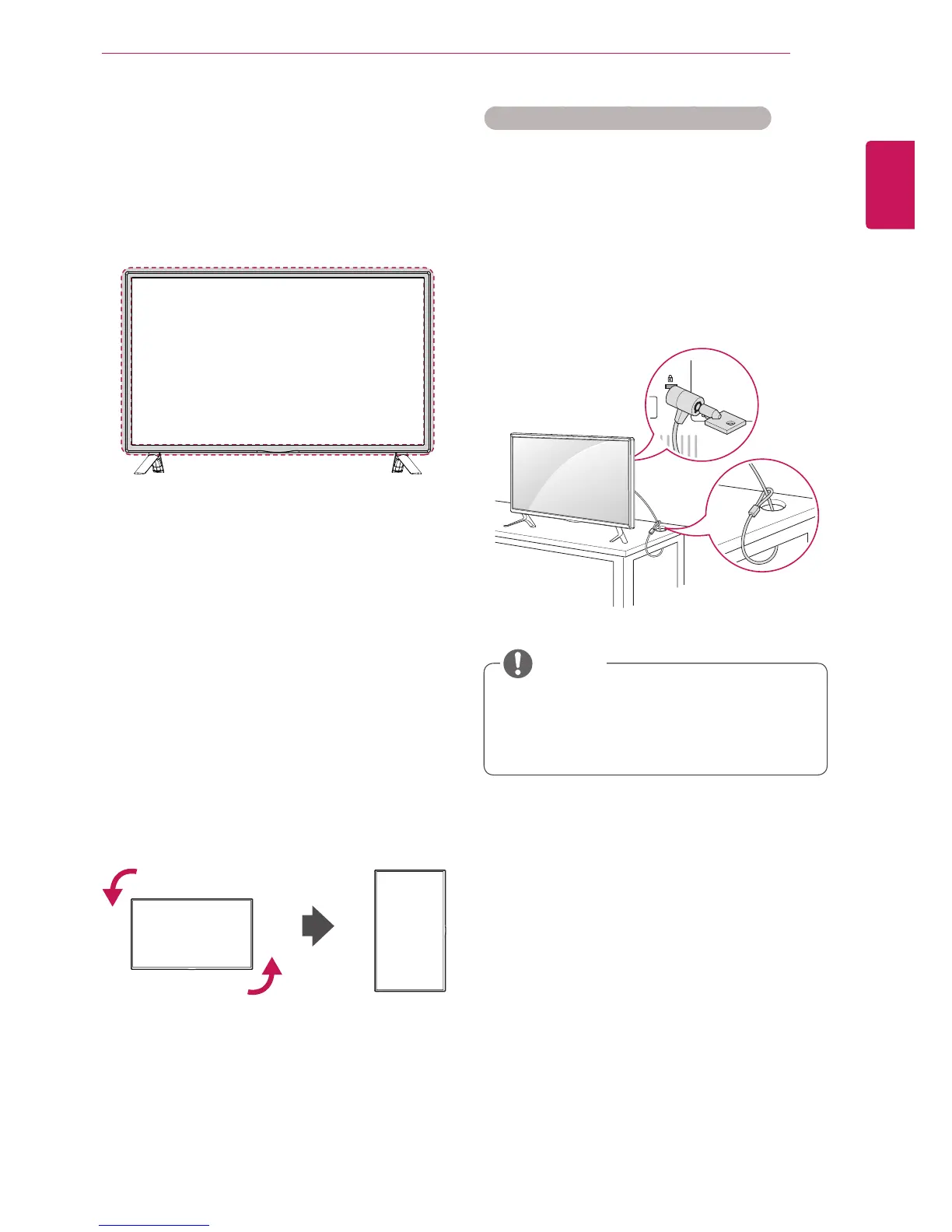
Toinstallinportraitmode,rotatetheset
counterclockwise90degreeswhenlookingatfrom
thefront.
Using the Kensington security system
TheKensingtonsecuritysystemconnectoris
locatedatthebackofthemonitorset.Formore
informationofinstallationandusing,refertothe
manualsuppliedwiththeKensingtonsecurity
systemorvisit
http://www.kensington.com
.
ConnecttheKensingtonsecuritysystemcable
betweenthemonitorsetandatable.
TheKensingtonsecuritysystemisoptional.
Youcanobtainadditionalaccessoriesfrom
mostelectronicsstores.
NOTE
Using the IR Receiver
Thisallowsaremotecontrolsensortobeplaced
inacustomlocation.TheIRreceiverismadewith
amagnet.Youcanattachittothemonitoredge.



 To Next Page