33
ENG
ENGLISH
ENTERTAINMENT
Remote
button
Description
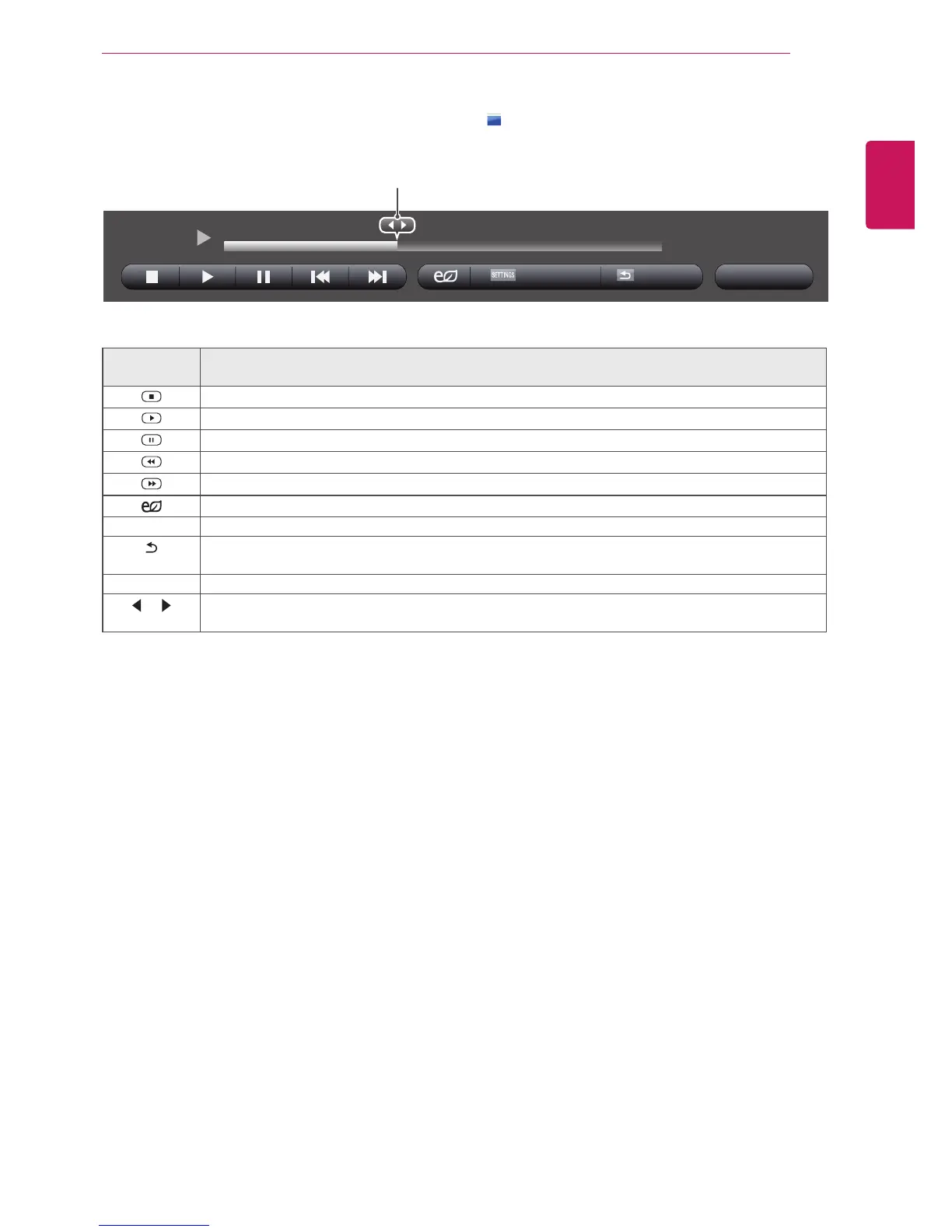
StopsplayingbackthefileandmovesbacktotheMusic List.
Playsamusicfile.
Pausesorresumesplayback.
Skipstothepreviousfile.
Skipstothenextfile.
Adjuststhescreenbrightnesstosaveenergy.
SETTINGS ShowtheOptionmenu.
BACK
Hidestheoptionwindow.
Todisplaytheoptions,pressOK.
EXIT ReturntoMusic List.
or
Skipstospecificpointsinafileduringplayback.Thetimeofaspecificpointwillappearonthestatus
bar.Insomefiles,thisfunctionmaynotworkproperly.
01:40 / 03:03
6 Duringmusicplayback,pressOKorthebluebutton( )toaccessthefollowingsettings.
Option Hide Exit
HR1.mp3
Selectsthedesiredpointandplays.



 To Next Page