26 Plasma TV
Installation
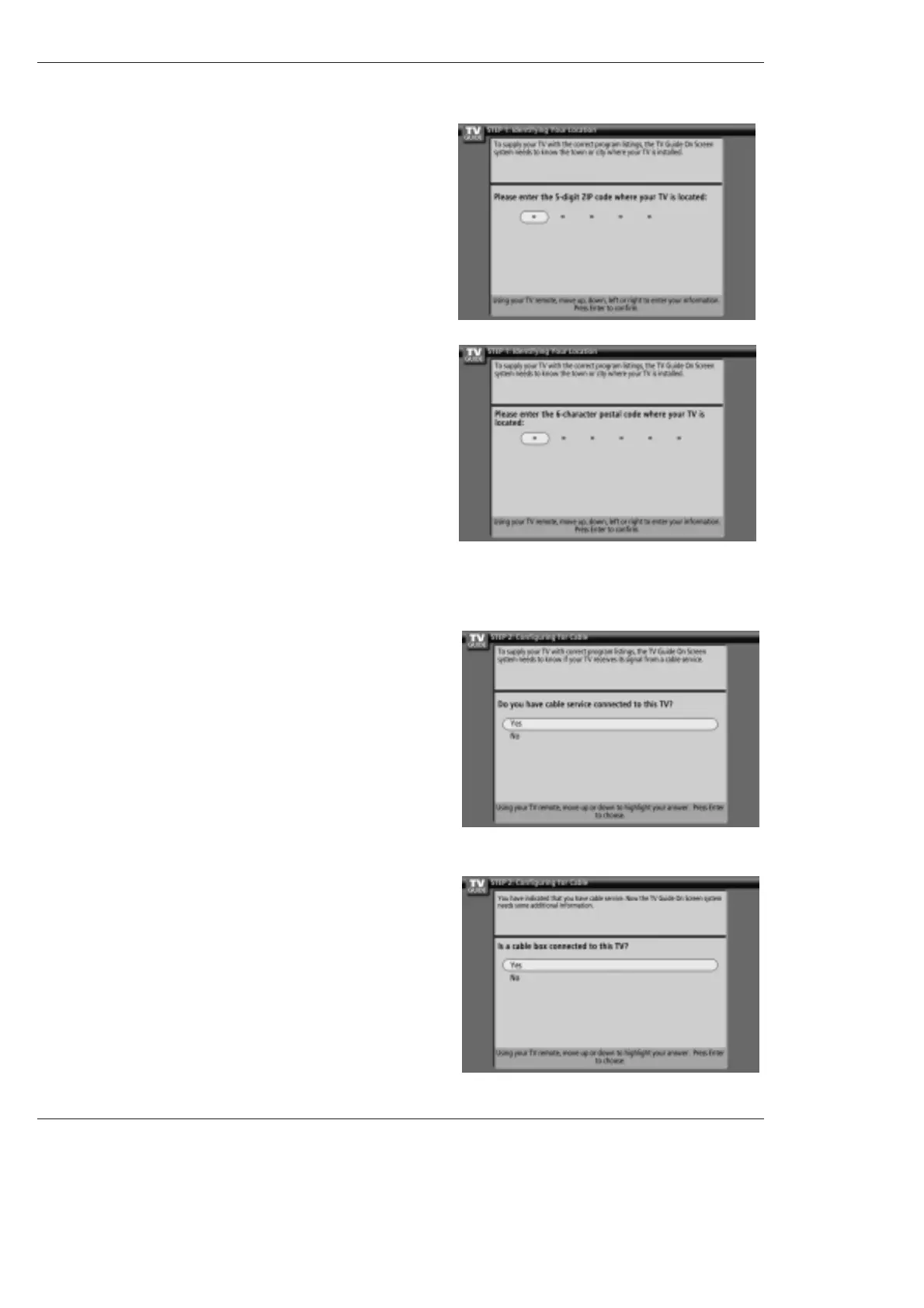
2. Screen 2: Enter ZIP or Postal Code
Option 1
• If you selected USA in Screen 1, you see the ZIP Code screen.
• You input numbers by either pressing the number keys on the remote
or using the
D
/
E
button to display a number, and then the F / G but-
ton to move to another field.
• Press ENTER to display Screen 3.
Option 2
• If you selected Canada in Screen 1, you see the Postal Code screen.
• You input characters by using the
D
/
E
button, and then the F / G
button to move to another field.
• Press ENTER to display Screen 3.
3. Screen 3: Do you have Cable Service connected?
• If you select Yes, you see Screen 4.
• If you select No, you see Screen 12.
4. Screen 4: Do you have a Cable Box?
• If you select Yes, you see Screen 5.
• If you select No, you see Screen 12.



 To Next Page