Owner’s Manual 27
Installation
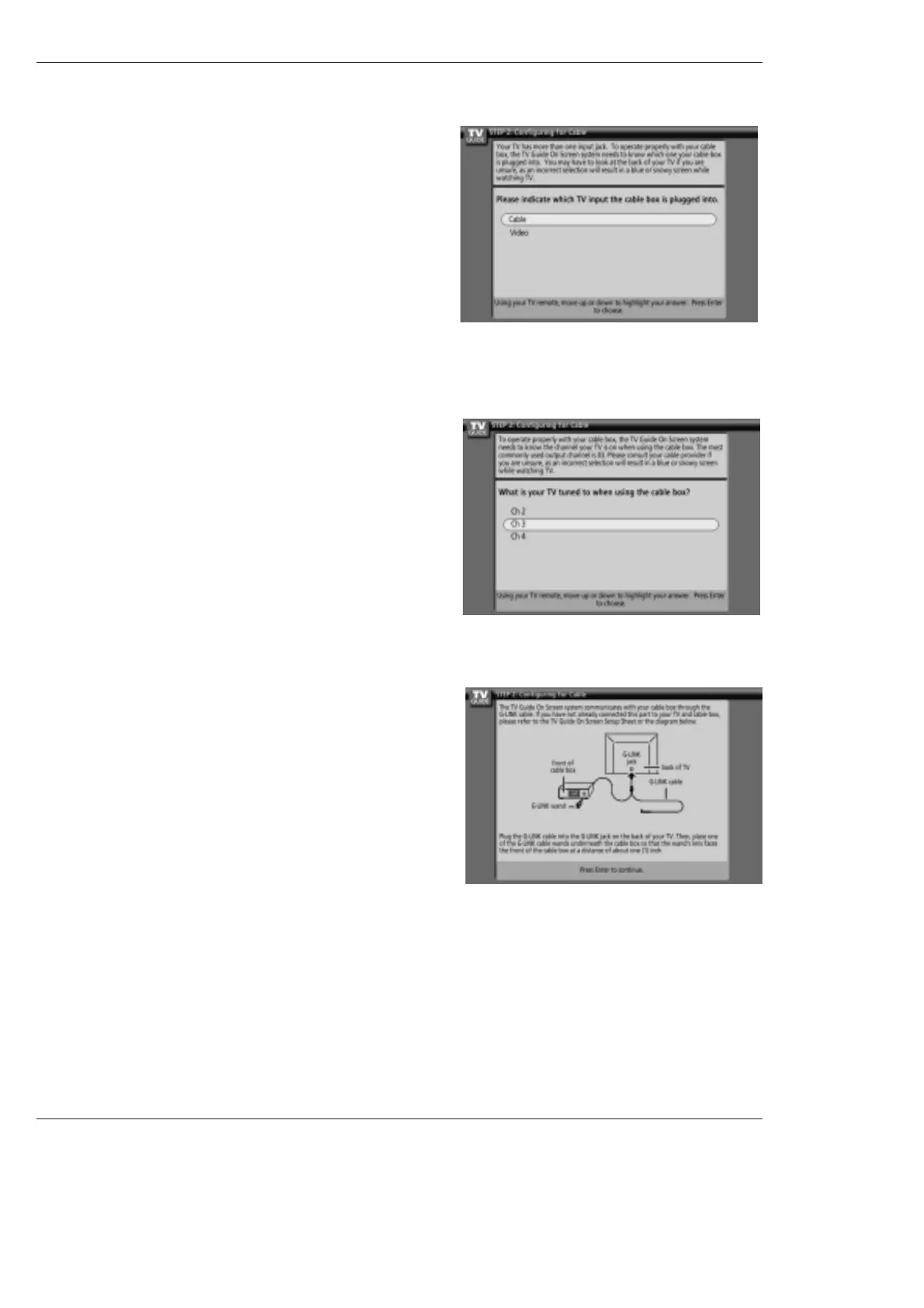
6. Screen 6: Cable Box Tuning Channel
• Select the channel used for the cable box.
• Press ENTER to display Screen 7.
7. Screen 7: Cable Box Configuration Diagram
• The diagram shows the correct way to install the G-LINK Cable from
the back of the device to the cable box.
Make sure the G-LINK
TM
Cable is properly installed.
• Press ENTER to display Screen 8.
5. Screen 5: Which TV input is the cable box plugged into?
• If you select Cable, you see Screen 6.
• If you make any other choice, you see Screen 7 .



 To Next Page