30 Plasma TV
Installation
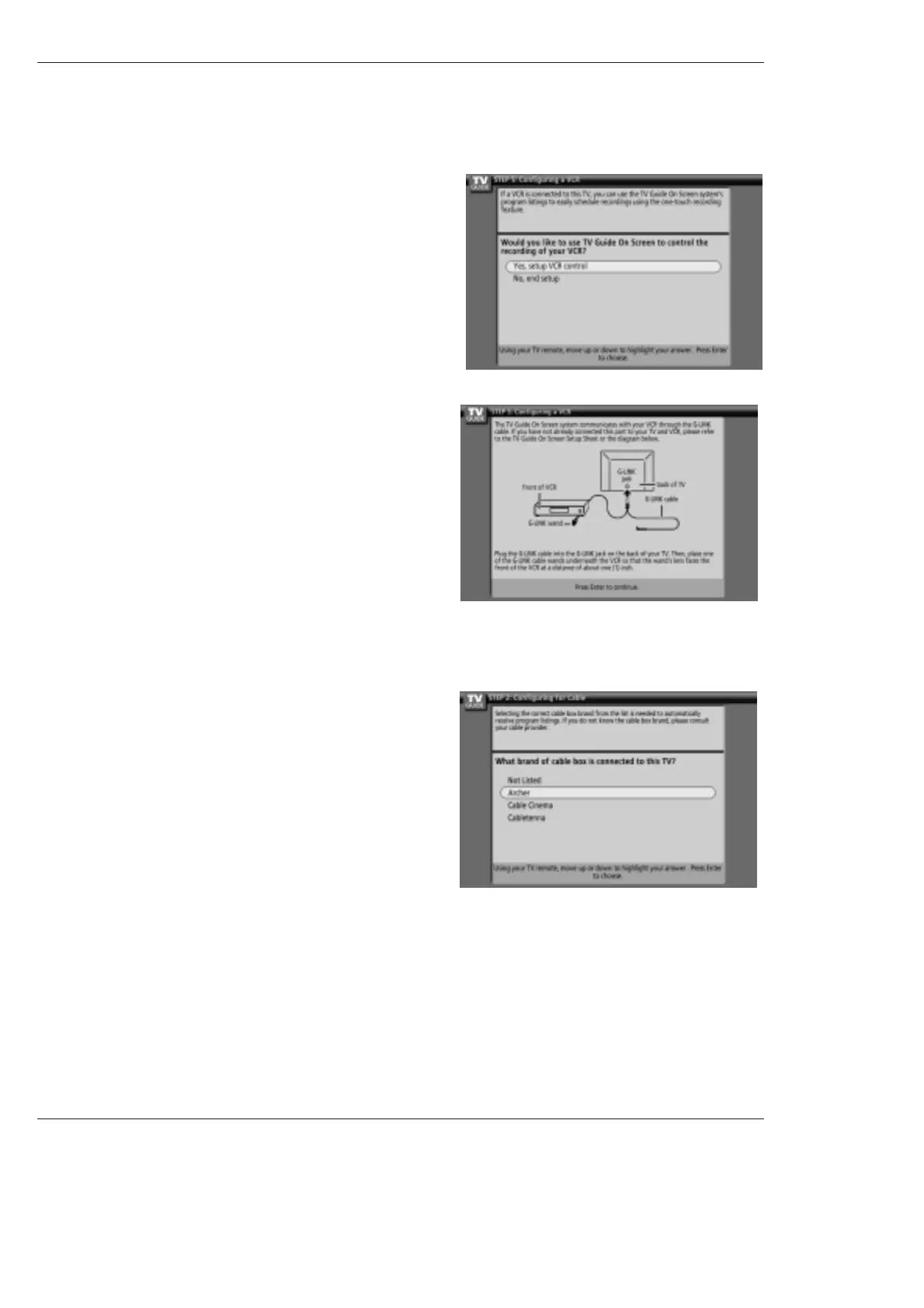
17. Screen 17: VCR Brand Name
• Use the
D
/
E
button to select the brand of the recording device.
• Press ENTER, and you see Screen 18.
16. Screen 16: VCR Configuration Diagram
• This screen shows the correct way to install the G-LINK
TM
Cable from
the back of the TV to the Recording device.
Make sure the G-LINK
TM
Cable is properly installed.
• Press ENTER, and you see Screen 17.
15. Screen 15: Is a VCR Connected?
• If you select Yes, you see Screen 16.
• If you select No, you see Screen 21.



 To Next Page