Owner’s Manual 29
Installation
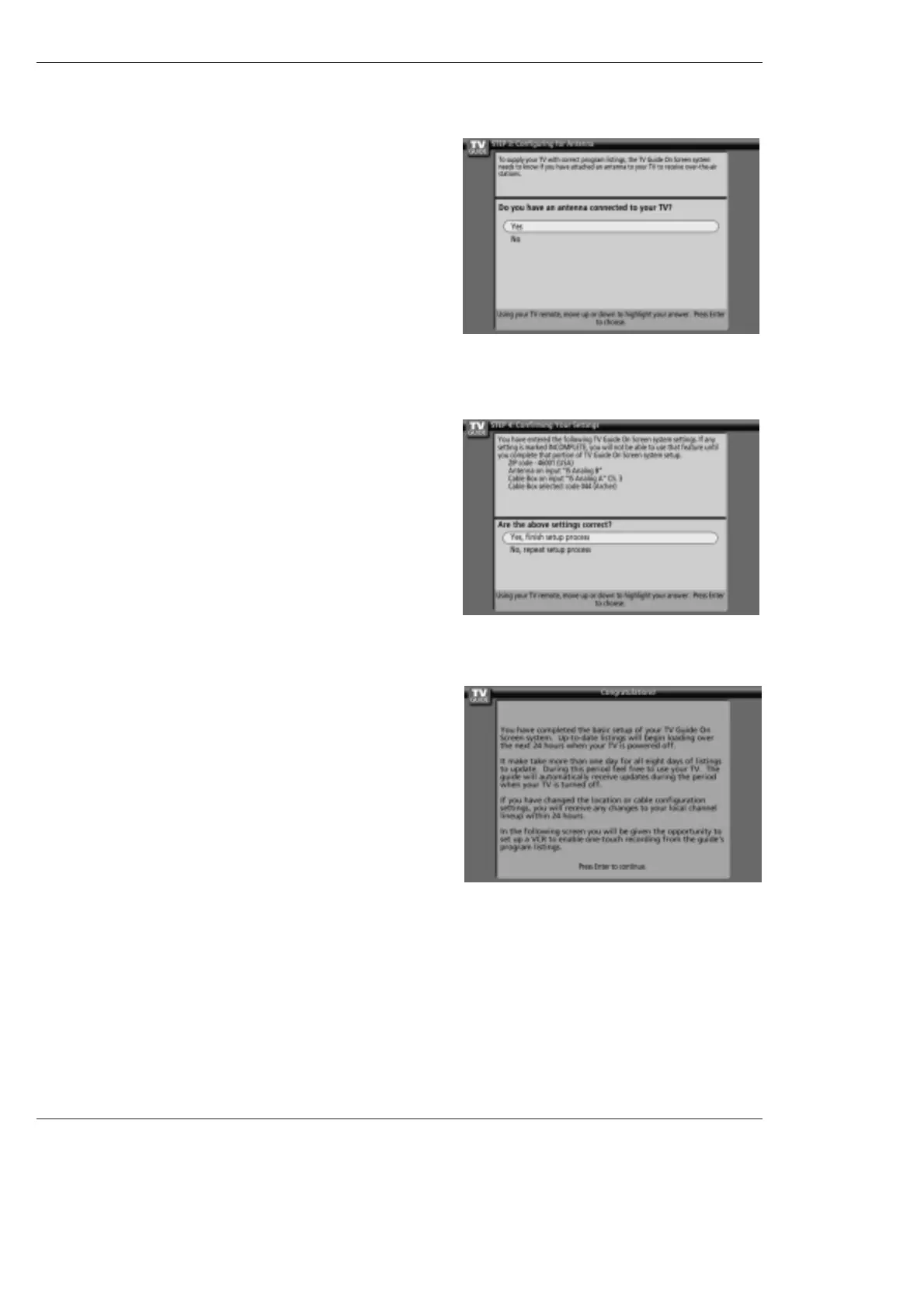
14. Screen 14: Congratulations
• Press ENTER to display Screen 15.
13. Screen 13: Are your basic settings correct?
• If you select Yes, you see Screen 14.
• If you select No, you see Screen 1.
12. Screen 12: Do you have an antenna connected?
• If you select Yes, you see Screen 13.
Note:
• If you selected No in Screen 3 then you must
select Yes in this screen to receive a channel
lineup and listings.
• If you select No, you see Screen 13.



 To Next Page