15
ENGLISH
Menu
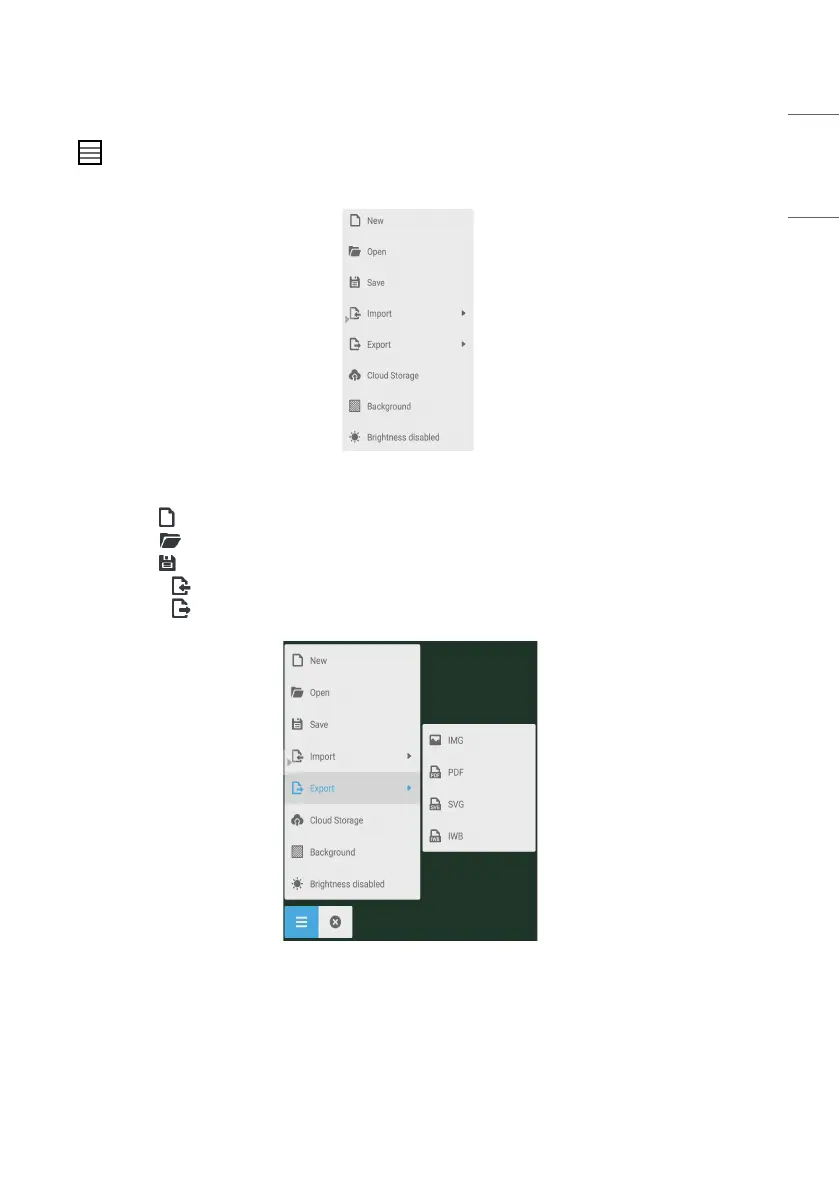
Click to pop out the menu as shown in Fig. 3-1-1. The menu provides background switch and saving options for
users.
Fig 3-1-1 Start menu
• [New] Click the button to create a whiteboard file.
• [Open] Click the button to pop out the file selection window. You can open the local .enb or .iwb format file.
• [Save] Click the button to save the current document to the file browsing in .enb format.
• [Import] Click the button to import the IMG, PDF, SVG file to the whiteboard courseware.
• [Export] Click the button to export the current whiteboard courseware in IMG, PDF, SVG, or IWB format.
Fig 3-1-2 [Export]



 To Next Page