40
ENGLISH
Files Demonstration
Supports Power Point Slides, Keynote etc.
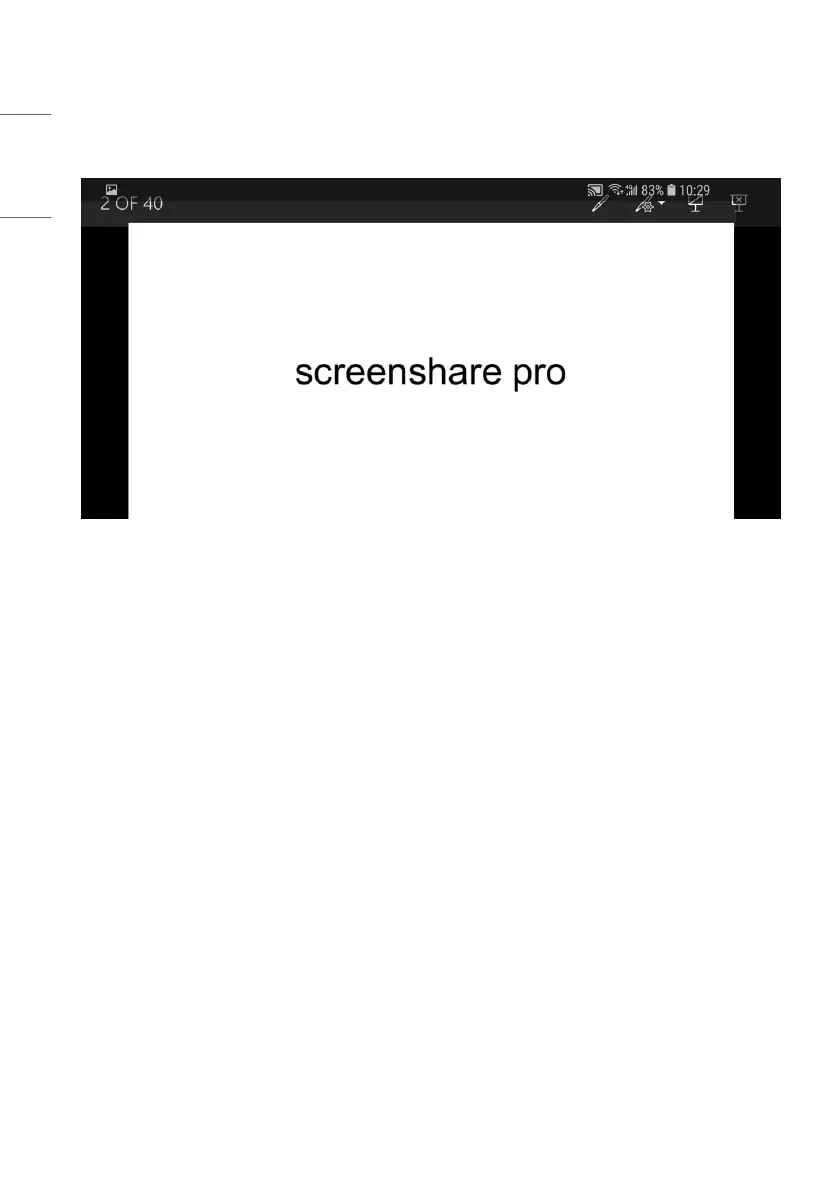
Picture 3-5-2 Playback, Annotations & Full Screen Mode
• Swipe from left to right to play last page, from right to left to access next page.
• Users can make annotations, play slides and exit full screen mode on their devices.
Client Introduction
Clients include mobile devices (Android & iOS), PC and Mac.
Mobile Device Operation
• Mobile devices include Android devices and iOS devices. App functions are similar for both, with micro difference in UI
(user interface).
• These functions include media (audio & video) upload, photo upload, camera, remote and desktop. The following
instructions are in the case of iOS mobile devices.
* Tips: The software only supports vertical screen.



 To Next Page