8
ENGLISH
[CountDown]
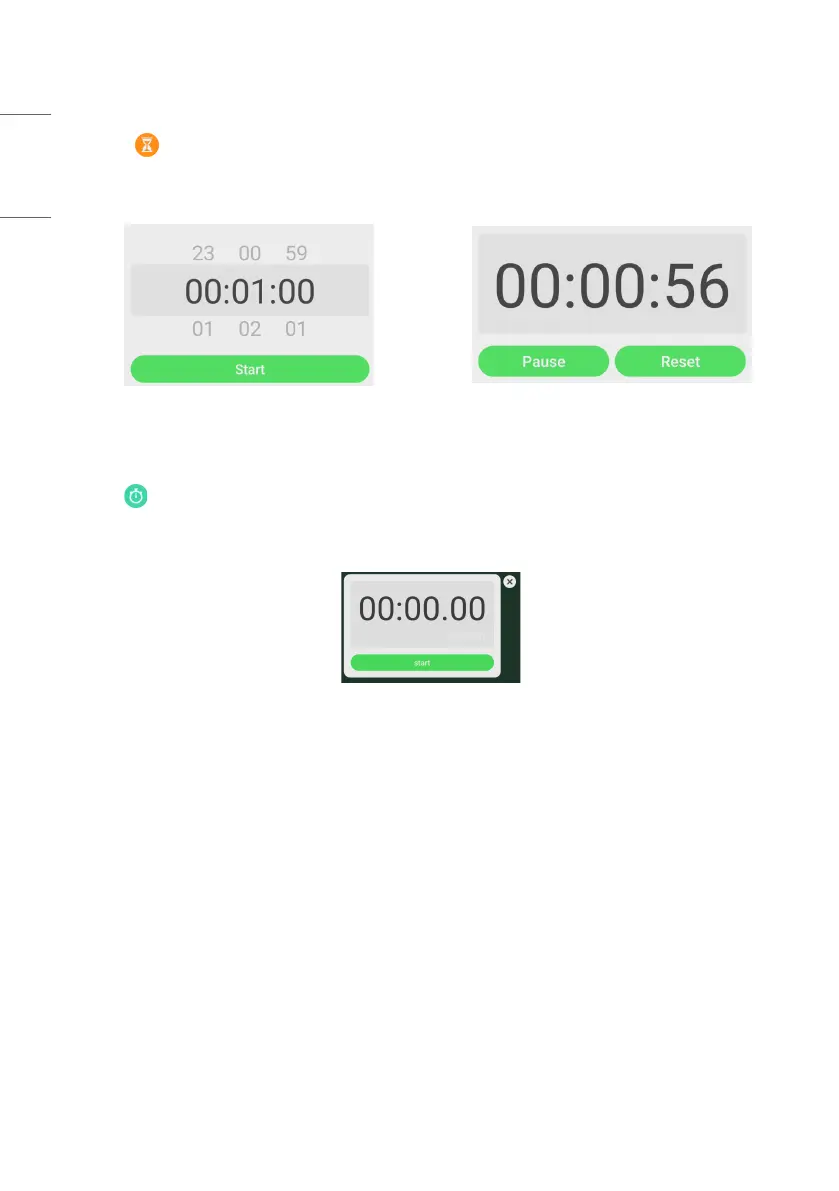
• Click the button to pop out the countdown small tool, as shown in Fig. 2-7-2-1.
• Click the [START] button to start the count down, as shown in Fig. 2-7-2-2.
• Click [PAUSE] to pause the count down. Click the [RESET] button to reset the count down to the initial status.
Figure 2-7-2-1 Initial interface of the countdown Figure 2-7-2-2 Countdown interface
Stop Watch
Click the button to start the stop watch, as shown in Fig. 2-7-3-1. Such functions as stop watch, pausing the stop
watch, continuing the stop watch, and reset are included. When you touch the other area, the Stop watch will move to
the bottom of the window.
Figure 2-7-3-1 Stop watch



 To Next Page