19
ENGLISH
Roaming
Click to select the roaming mode. You can move the whole screen with sliding
Drawing Board
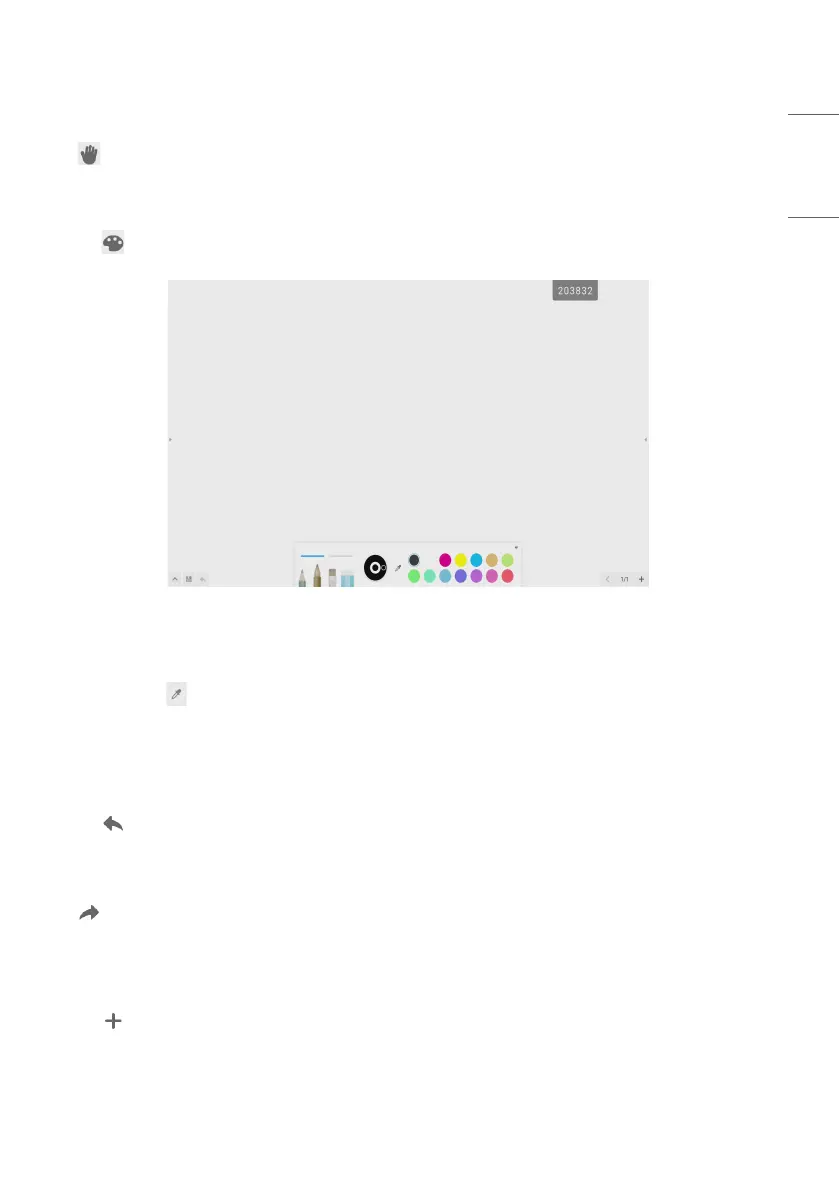
Click the button to call out the drawing board, as shown in Fig. 3-8-1.
Fig 3-8-1 Drawing board interface
• Pen: Pencil is selected by default, including pencil, writing brush, a row of brushes, eraser.
• Palette: Select the color and click the palette to color in the form of rotating.
• Color picker: Click to activate the color picker and the round color picker appears on the drawing board area. Drag
it to the color you want and click to finish the color picking. In this case the pen color is the selected color.
• Color disk: Users can change the color of the color circle by changing the color of the color disk.
Withdrawing
Click the withdrawing button to withdraw the previous operation.
Recover
Click to recover the previous withdrawing operation. This button is in hidden status before any withdrawing
operation is done.
Adding Page
Click the button to add new page.



 To Next Page