57
ENGLISH
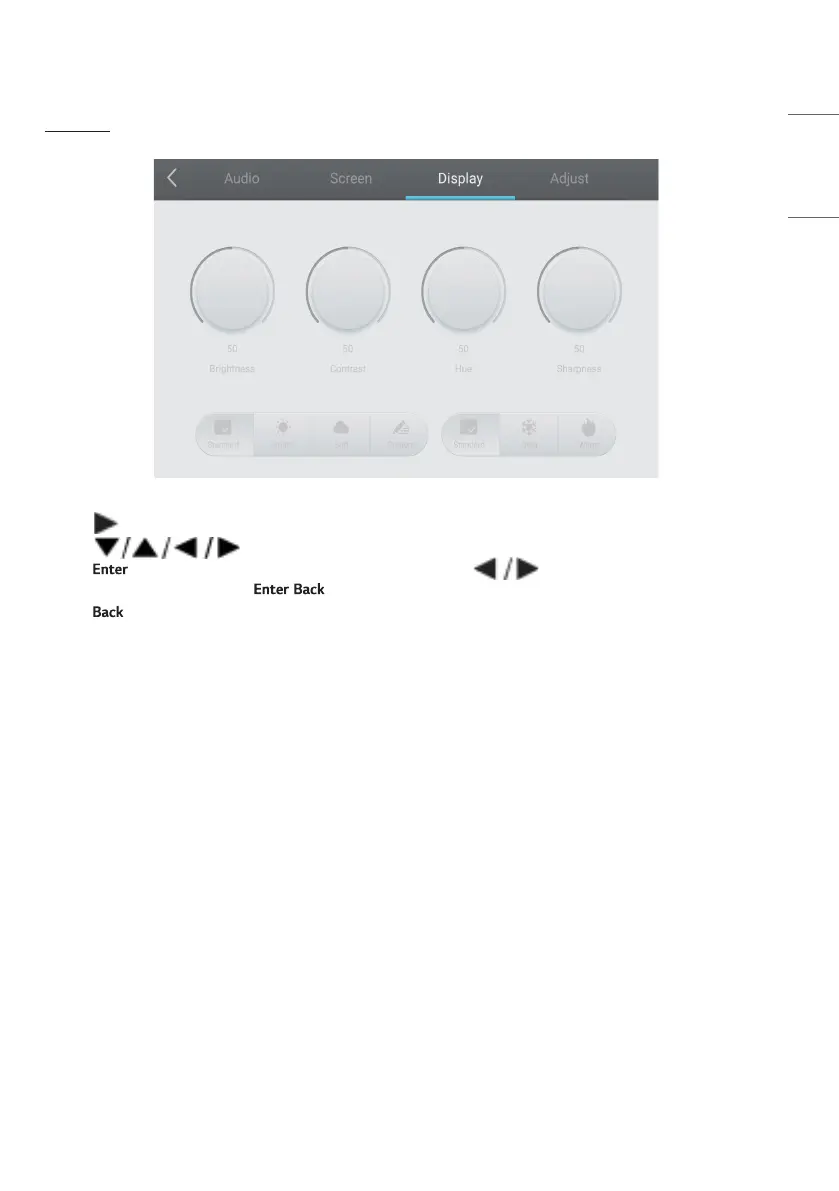
[Display]
• Press button on remote control to select [Display] setting menu.
• Press button on remote control or directly click with touch pen to select the option.
• Press on remote control to enter adjustment mode, and press button or directly click with touch
pen to adjust each option. Press / to exit adjustment.
• Press on remote control or click blank area outside menu with touch pen to exit menu.



 To Next Page