20
ENGLISH
Previous Page
Click the button to return to the previous page. If the current page is the first page, then you cannot click this
button.
Pagination
Click pagination to load the thumbnail of all pages. You can also directly click the thumbnail to display.
Next Page
When the current page is not the last page, click the button to switch to the next page of the current page.
FINDER
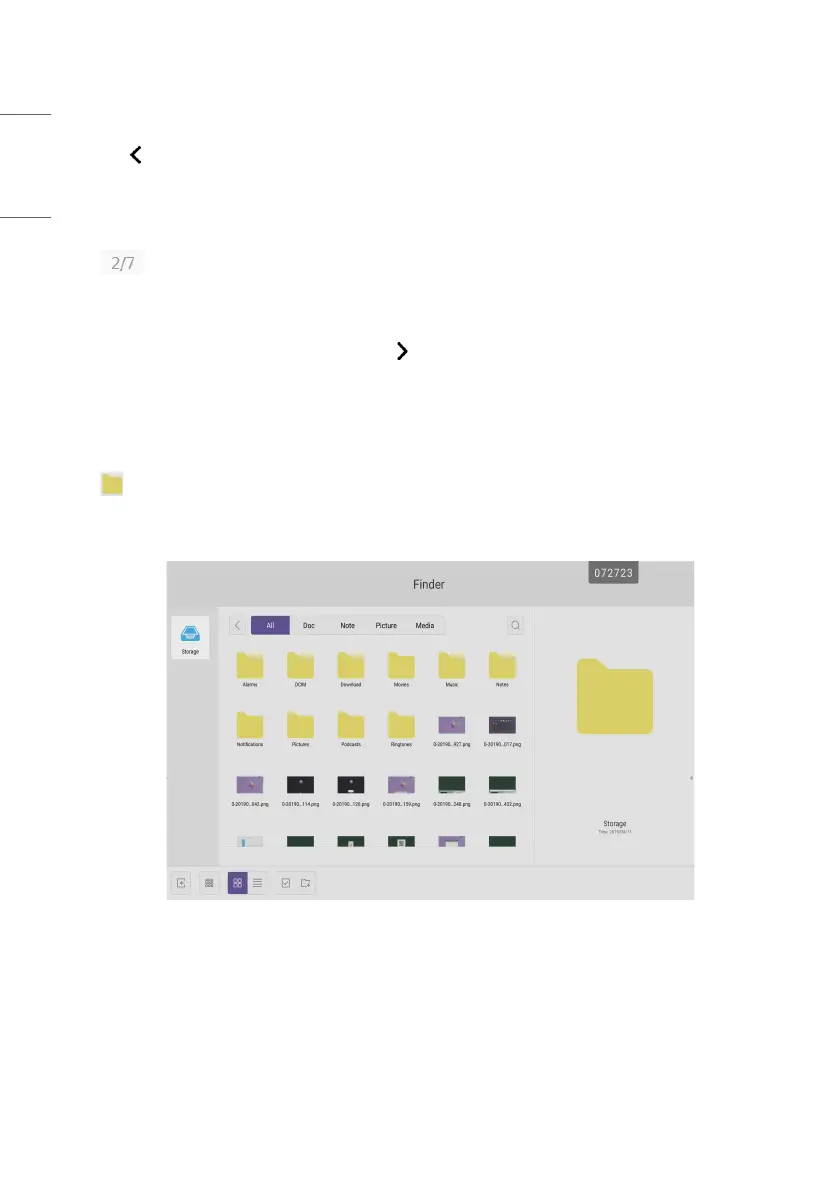
Click to pop out the file browsing as shown in Fig. 4-1. It can browse the files saved in the system such as
document, whiteboard writing, video, picture, and audio. In addition, it can automatically identify external USB device,
browse files according to category, search for the files, etc.
Fig 4-1 File browsing



 To Next Page