31
ENGLISH
Client Download & Installation
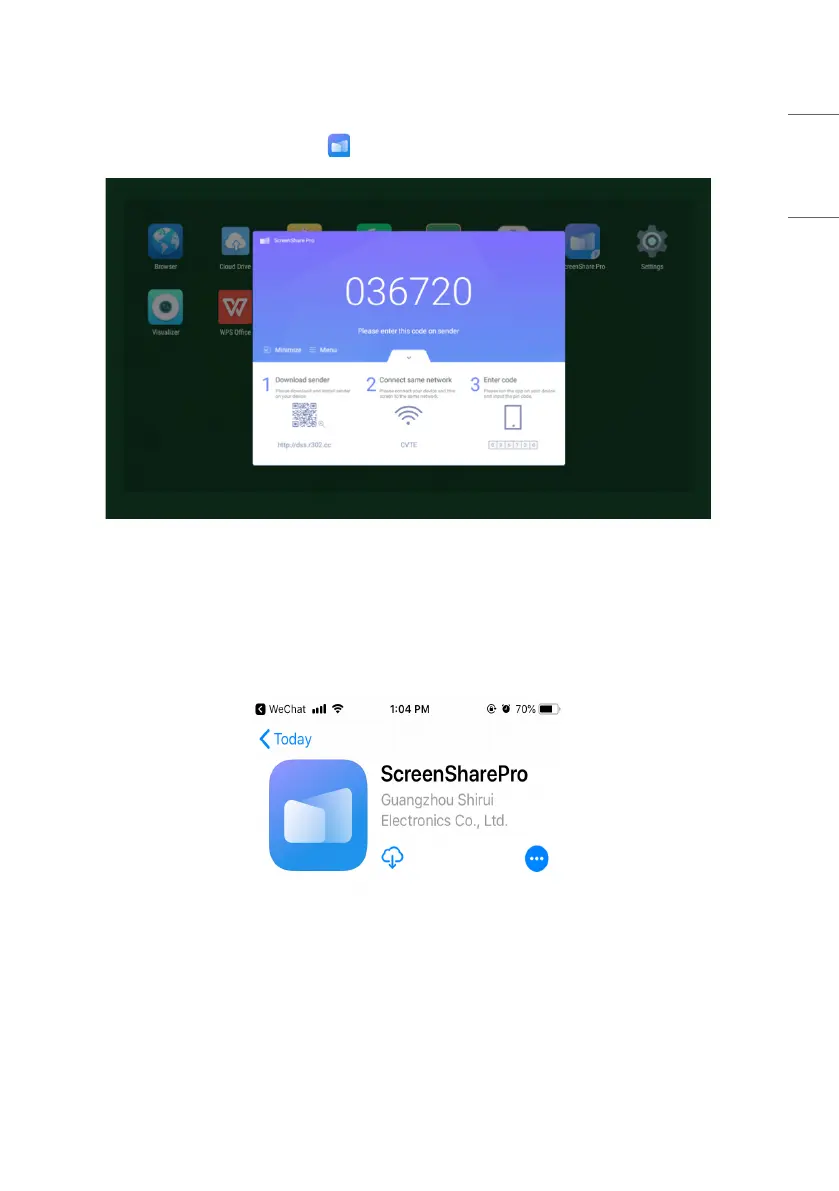
• After the software is installed, click the icon on the desktop. Enter the main interface.
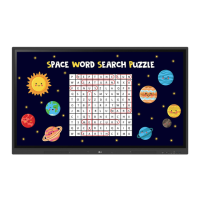
Picture 2-3-1 Server Main Interface
For Android, iOS, windows and MacOS clients, instructions are as follows.
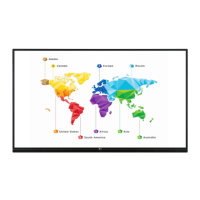
• Scan the QR code with mobile devices or enter the address in your PC web browser to download APK (application
kit). It will automatically recognize different types of devices and thus provide the correct APK.
• In the case of iOS (iPhone OS) client, after scanning the QR code, it will lead to the app store, where you can
download the app.
Picture 2-3-2 Client Download



 To Next Page