29
ENGLISH
TOUCH MENU
Click the button, or Finger sliding upwards from the bottom of the screen to access the Touch Menu.
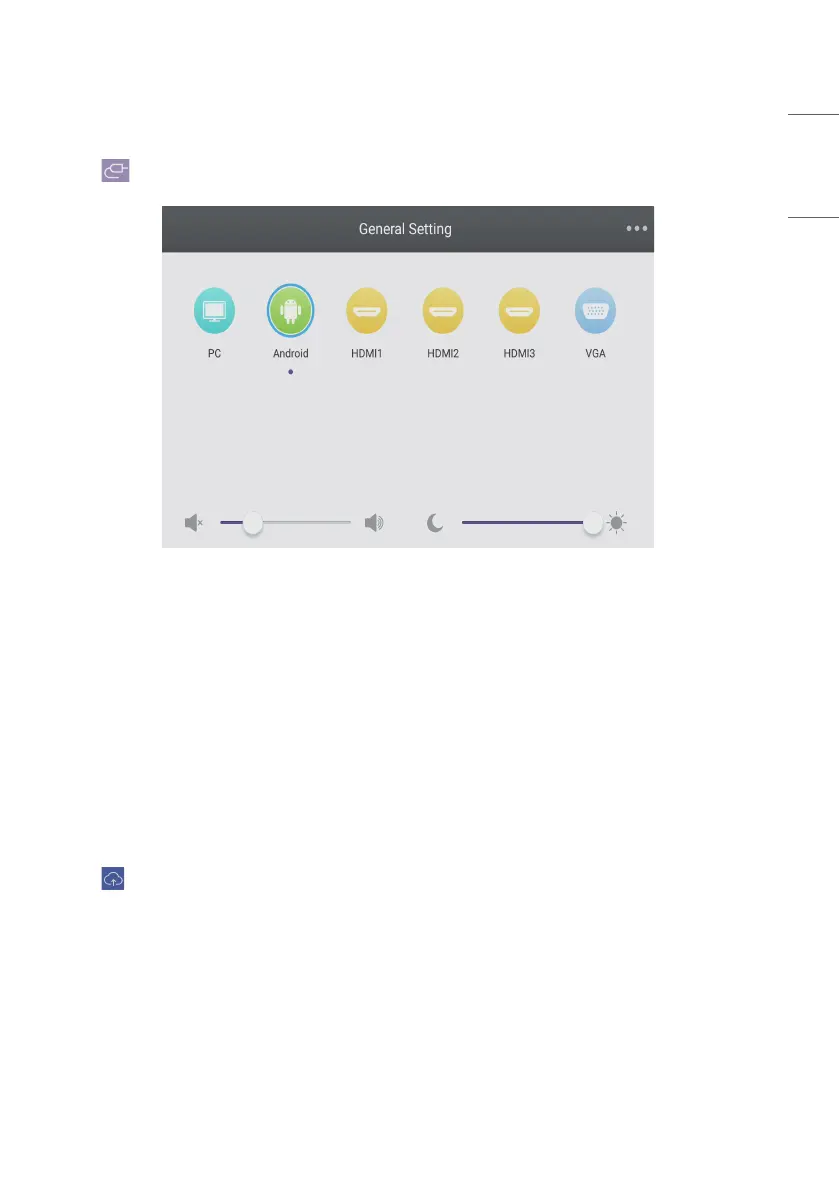
Fig 9-1 [General Setting]
• PC: Select the PC input.
• Android: Select the Android input.
• HDMI: Select the HDMI input.
• VGA: Select the VGA input.
• AV: Select the AV input.
• DVI: Select the DVI input.
* The switching of the signal input will take a few seconds.
CLOUD DRIVE
Click the button to connect to the Cloud Drive.



 To Next Page