27
ENGLISH
[KEEPER]
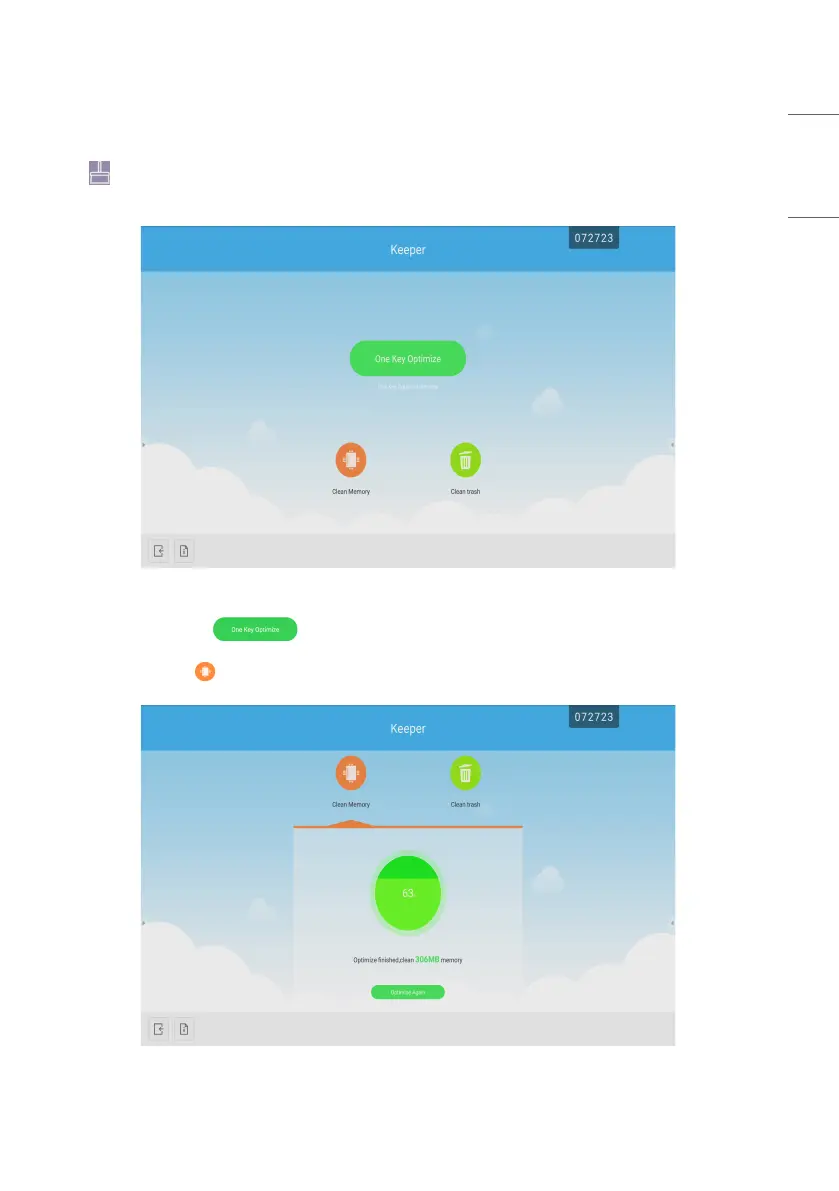
• Click to pop out the [Keeper] interface as shown in Fig. 8-1. You can perform memory optimization, garbage
clean, and hardware checking on the intelligent tablet computer.
Fig 8-1 [Keeper]
• [One Key Optimize]: Click to optimize memory, clean the disk garbage and check hardware problem in
one key.
• [Memory Clean]: Click to optimize the memory.
Fig 8-2 [Memory Clean]



 To Next Page