Installation and Configuration
13
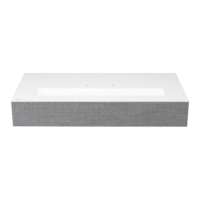
▪ Place the projector on a sturdy, level surface, together with the PC or audio/video source.
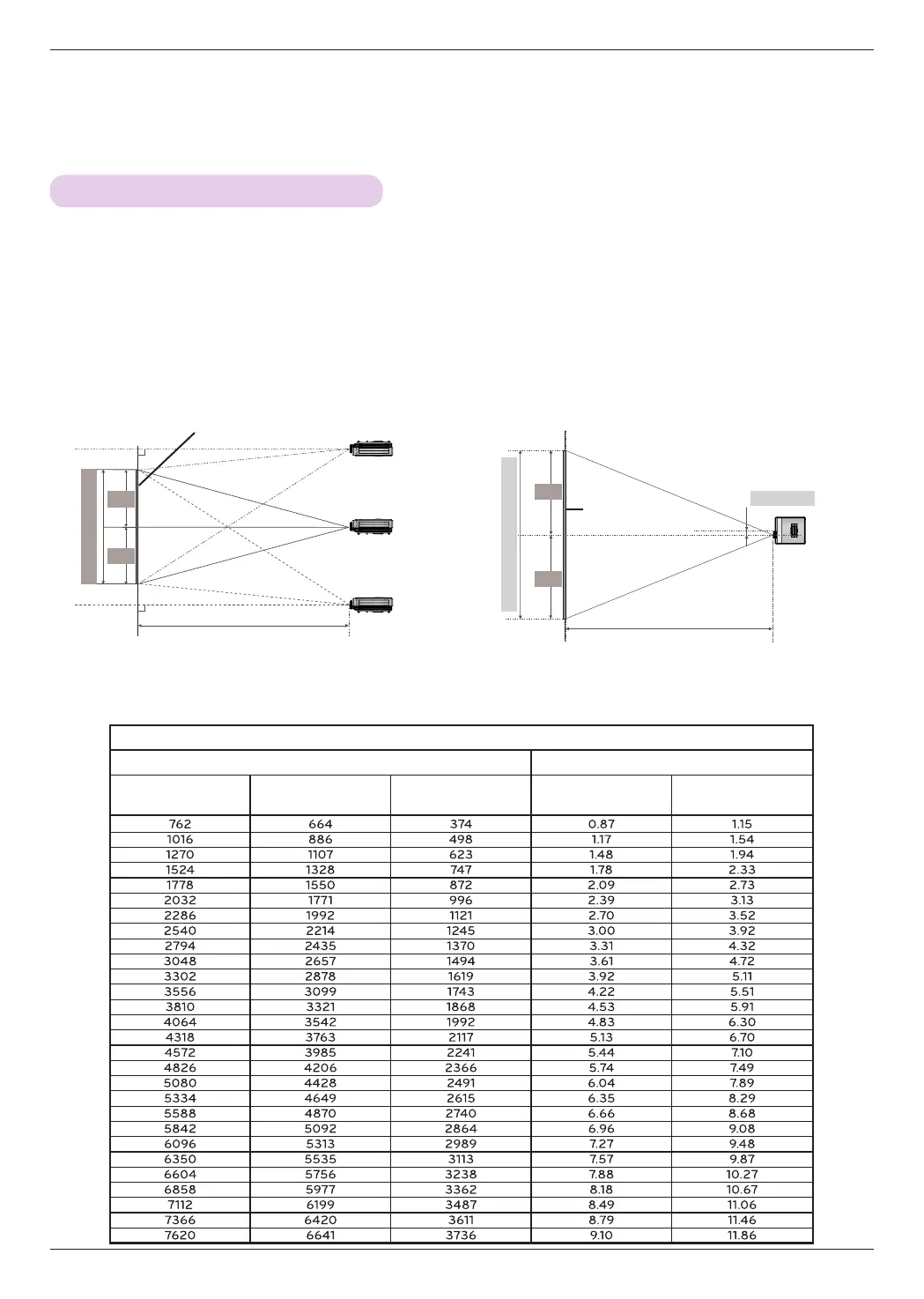
1. The distance between the projector and the screen determines the actual size of the image.
2. Position the projector so that the lens is set at a right angle to the screen. If the projector is not set at a right
angle, the image on the screen will be crooked. If the screen image is crooked, use the Keystone function.
3. Connect the power cords of the projector and any connected devices to the power outlet.
Projection distance (D)
Lens shift
Max.
Max.
0%
80.5 mm
Projection distance (D)
Projection Distance per Screen Size
Screen
Screen Height (X)
X/2
X/2
Y/2
Y/2
Screen
Screen Width (Y)
16:9 Aspect Ratio
Screen Projection Distance
Screen Size (mm)
Screen Width (Y)
(mm)
Screen Height (X)
(mm)
Min. projection dis-
tance (D1) (m)
Max. projection dis-
tance (D2) (m)



 To Next Page