20
3D Function
Setting 3D Mode
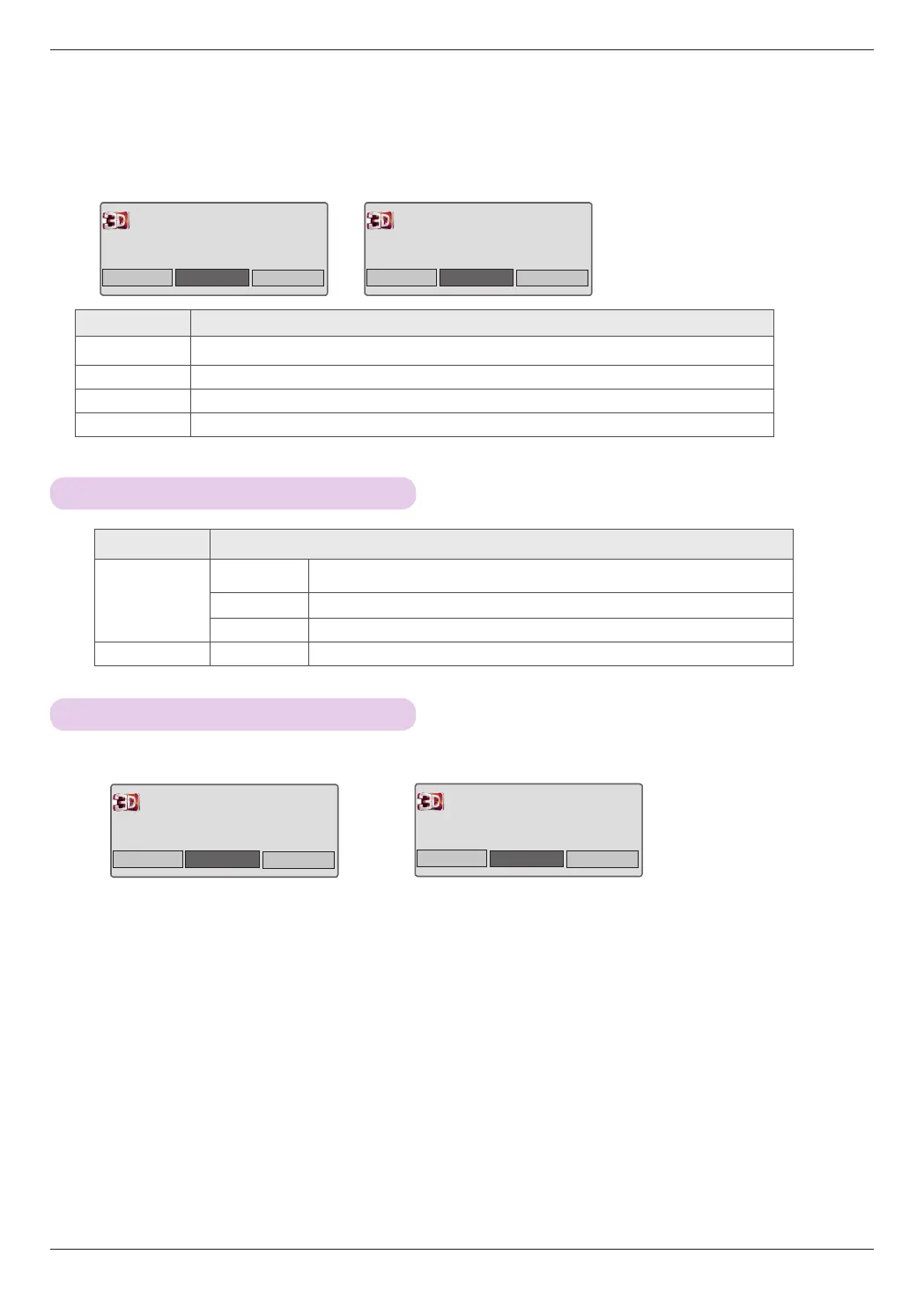
Option Description
3D Mode
Setting
3D Picture
Correction
Switches left/right videos. Select a 3D video of better picture quality.
3D Depth Adjusts the stereoscopic effect of the 3D image converted from a 2D image.
3D Viewpoint Moves the 3D image forwards and backwards to adjust the 3D perspective view.
Set Video See the Video Function - Screen Function sections.
Exiting 3D Mode
<3D Mode> <3D to 2D Mode>
4. Press the 3D button during viewing to exit 3D mode and watch 2D video.
3D Mode
2D Off
Cancel
Watch the original image.
2D → 3D
3D Mode
3D Off
Cancel
Watch the original image.
3D → 2D
Option Description
3D → 2D Watch 3D image in 2D mode.
3D Off Watch the original image.
2D → 3D Show 3D effects.
Cancel Watch the original image.
3D Mode
3D Off
Cancel
Watch the original image.
3D → 2D
3D → 2D
2D Off
Cancel
Watch the original image.
2D → 3D



 To Next Page