28
Function
Option Functions
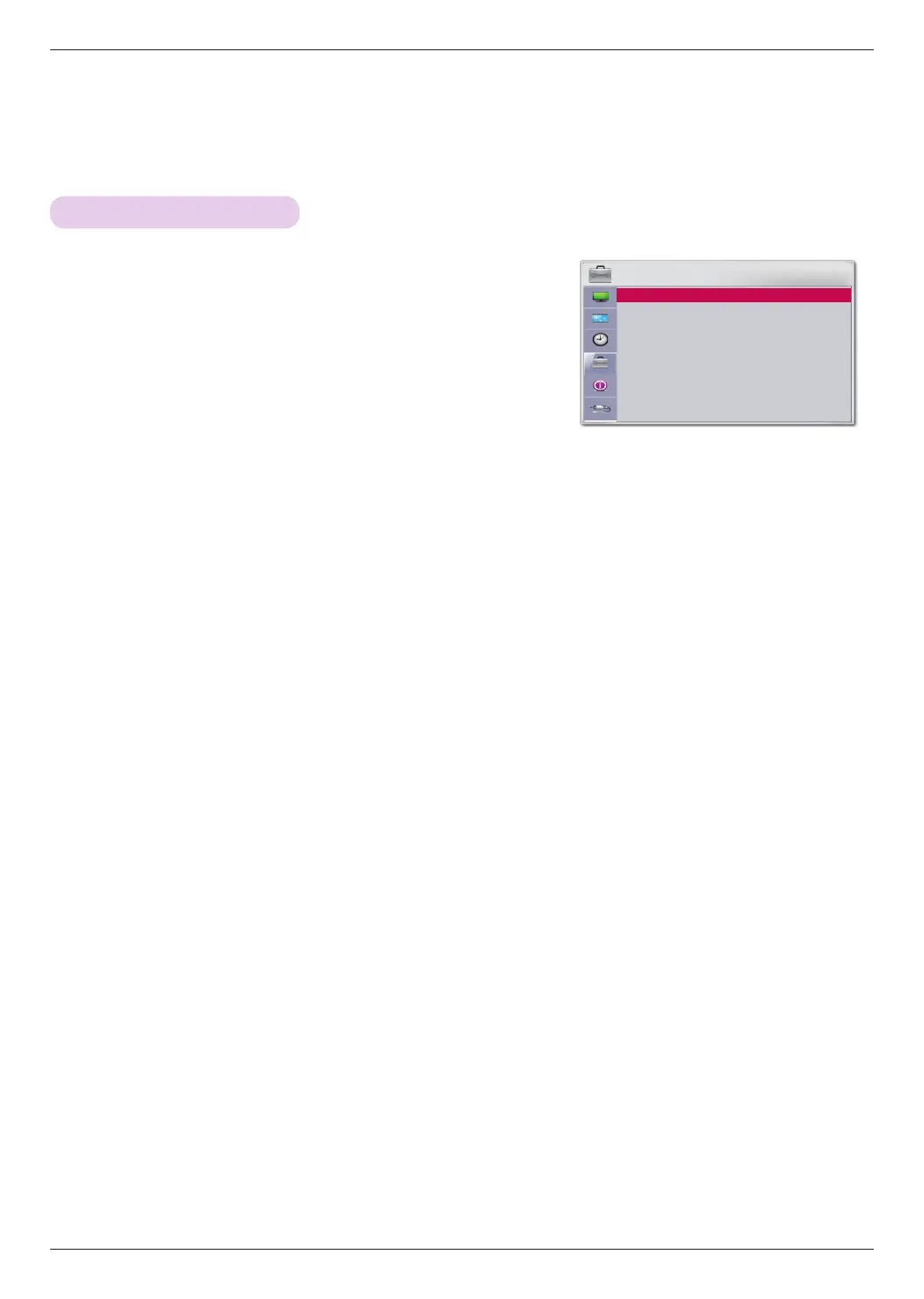
1. Press the MENU button, then go to Options with the ∧, ∨, <, >
buttons and press OK
◉
.
2.
Press ∧, ∨ buttons to go to Menu Language and press the OK ◉ button.
3. Press ∧, ∨, <, > buttons to go to a desired item and press OK
◉
.
ꔈFrom now on, OSD is displayed in the selected language.
ꔈPress the BACK button to exit the menu screen.
Selecting a Language
OPTION
Menu Language : ENGLISH ꔉ
Blank Image : Black
Camera Calibration
Lamp Mode : Normal
High Altitude : Off
Network Setting
Set ID : 1
Input Label
ꔂ Move ꔉ OK



 To Next Page