EDITING
55
Title and Chapter Editing (Continued)
Protect a Title
Use this function to protect accidental recording, editing
or deleting of the title.
11
Press MENU/LIST to display Title List menu.
22
Use vVbBto choose a title you want to pro-
tect then press ENTER.
Options appears on the left side of the screen.
33
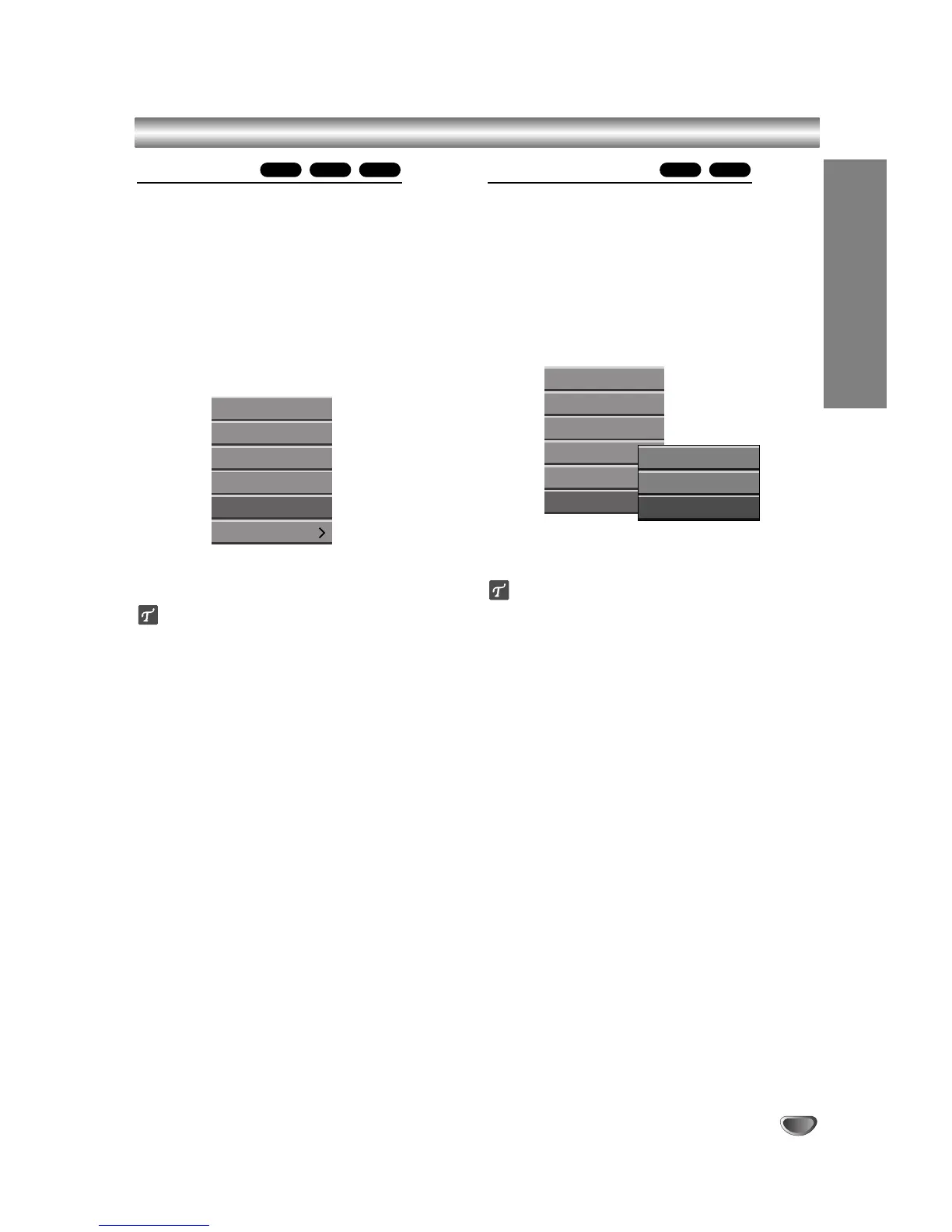
Select ‘Protect’ option on the options.
e.g., If you select “Protect” on Title List menu.
44
Press ENTER to confirm.
The lock mark will appears on the title’s thumbnail.
ip
If you select a title that has already been protected on
the Title List menu, you can ‘unprotect’ it by choosing
“Protect” from the Title List menu options. After doing
this, you can edit and delete the title.
Hide a Title/Chapter
Use this function to hide a title/chapter on the Title List
or Chapter List menu.
11
On the Title List or Chapter List menu,
use vVbBto choose a title or chapter you
want to hide then press ENTER.
Options appears on the left side of the screen.
22
Select ‘Hide’ option on the options.
e.g., If you select “Hide” on Title List menu.
33
Press ENTER to confirm.
The title’s thumbnail will be dim.
ip
If you select a title that has already been dim on the
Title List menu, you can ‘show’ it by choosing “Show”
from the Title List menu options. After doing this, you
can see the title.
+R+RW+R+RWVR



 To Next Page