Installation and connection
32
To disconnect the USB Cable (In the
MSC mode)
This feature is to safely remove the player from the
PC after uploading or downloading the files.
- Disconnect from the PC upon the connection in the
MTP mode.
1.
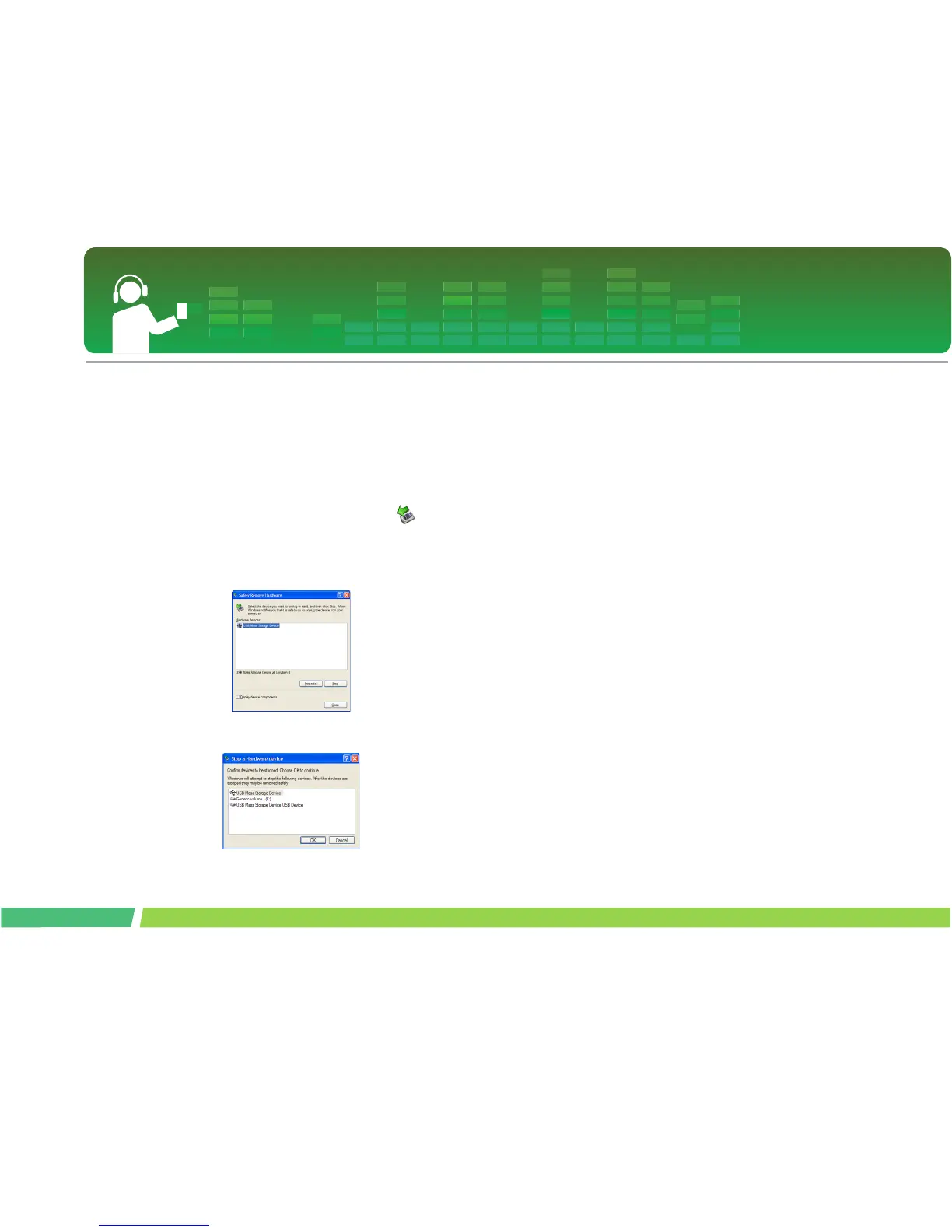
Double-click on Remove Hardware icon
on the taskbar of the PC.
2 .
Click on [Stop] button when the window
appears.
3 .
Click on [OK] button.
4 .
After a message that the large-capacity USB
storage can be safely removed is displayed,
remove the player from the PC.
- If the USB cable is disconnected while the player is
connected to the PC to store or delete the file, the
data may get lost.



 To Next Page