35
Playing music
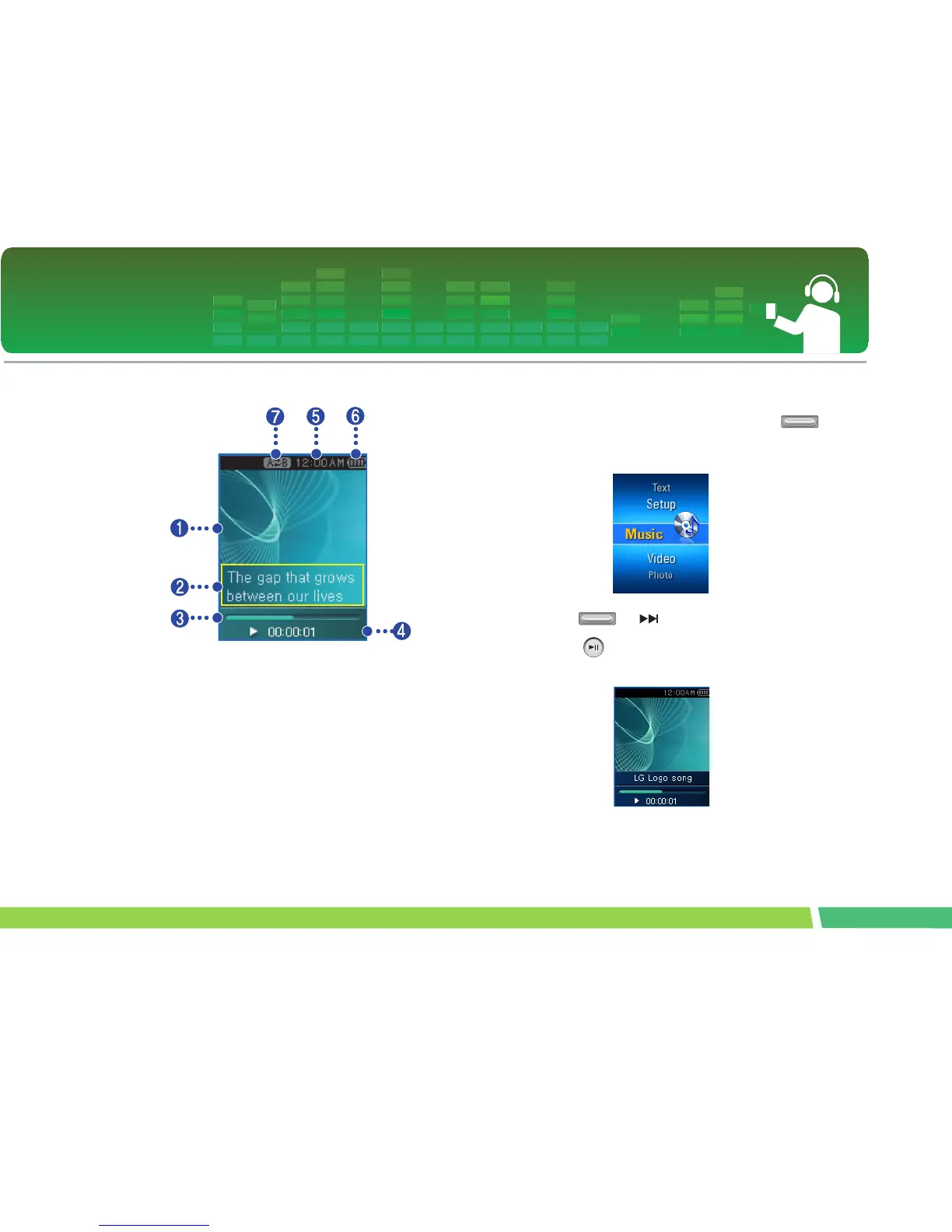
To play Music screen
1.
Display (visualized sound effects)
2 .
Song information display / Lyrics display
(when the lyrics file is available and the lyrics
display feature is enabled)
3 .
Playing time bar
4 .
Playback time
5 .
Current time
6 .
Battery status
7 .
A-B Repeat display
To play the music file
1.
Move to the Home menu, and adjust
button in + or - directions to select [Music]
mode.
2 .
Press or button to enter.
3 .
Press button shortly to start the Home
menu.



 To Next Page