Recording
47
7 .
To stop recording, press button.
- Files less than one second long will not be stored.
8 .
Refer to “Recorded file” on page 38 and “View
All List” on page 39 to play prerecorded files.
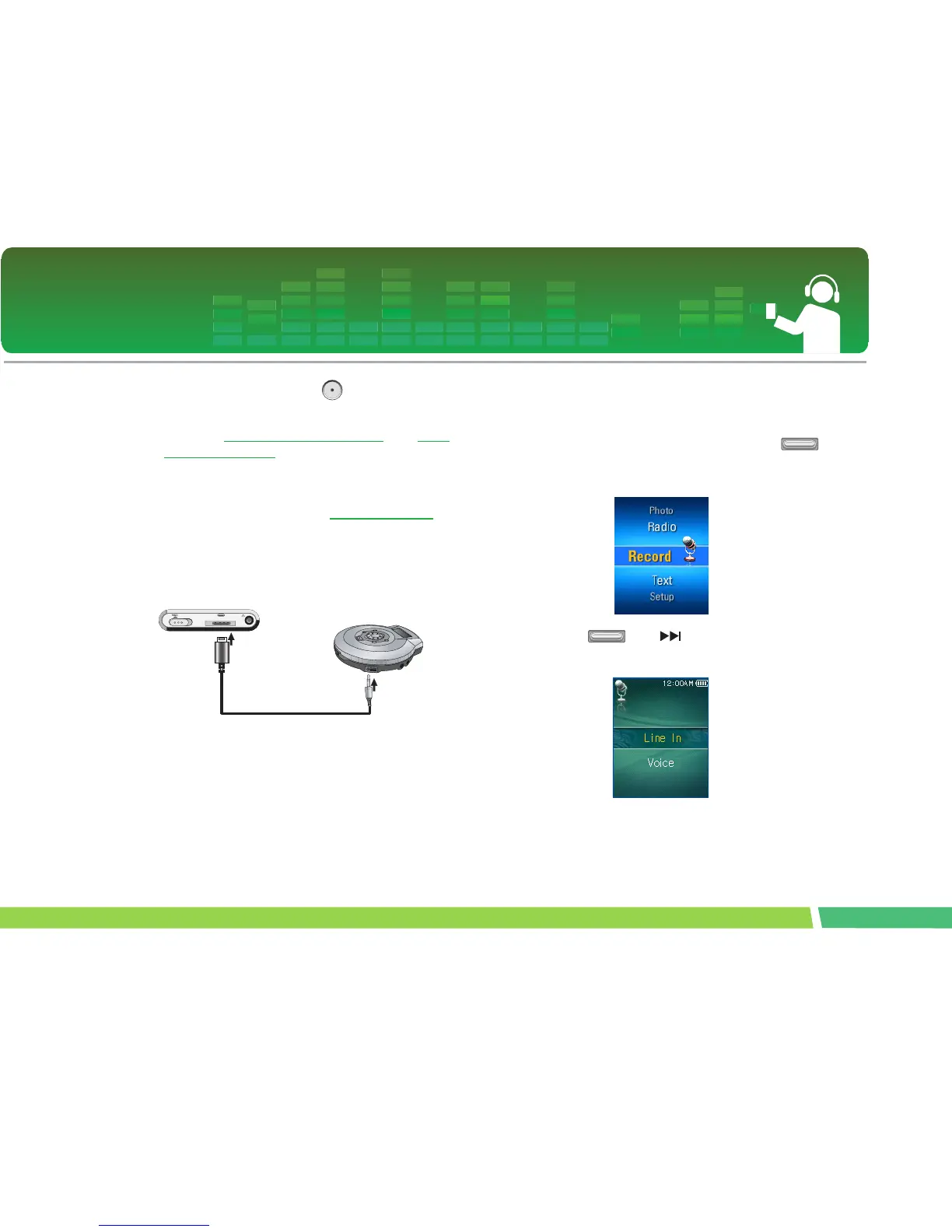
To Connect to the external device
∗ Optional according to model. (See on page 14)
1.
Connect the Line-in cable to the line-out port
of the external device and to the line-in port of
the MP3 player.
To Record through an external
device
1.
Move to the Home menu, and adjust
button in + or - directions to select [Record]
mode.
2 .
Press or button to open the
recording mode setup screen.



 To Next Page