46
Recording
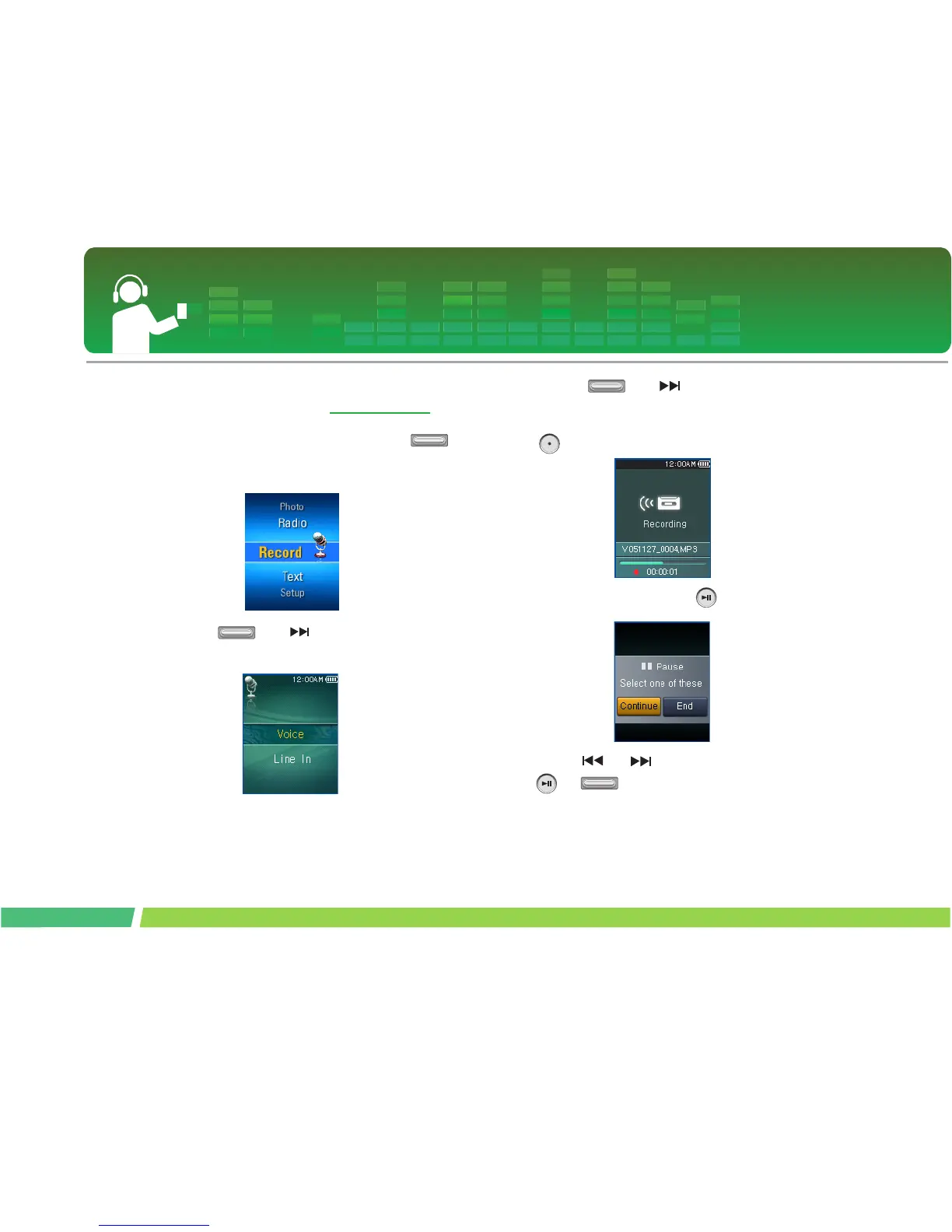
Voice recording
∗ Optional according to model. (See on page 14)
1.
Move to the Home menu, and adjust
button in + or - directions to select [Record]
mode.
2 .
Press or button to open the
recording screen.
3 .
Press or button in the voice
recording status to open the recording standby
screen.
4 .
Press this button to start recording.
5 .
To pause recording, stop button.
6 .
Press or button to stop, and press
or button.
- Select Continue to resume recording.
- The recorded files will be stored under Record folder
named V0510190001_001 (YearMonthDate_Order)



 To Next Page