FM radio reception
53
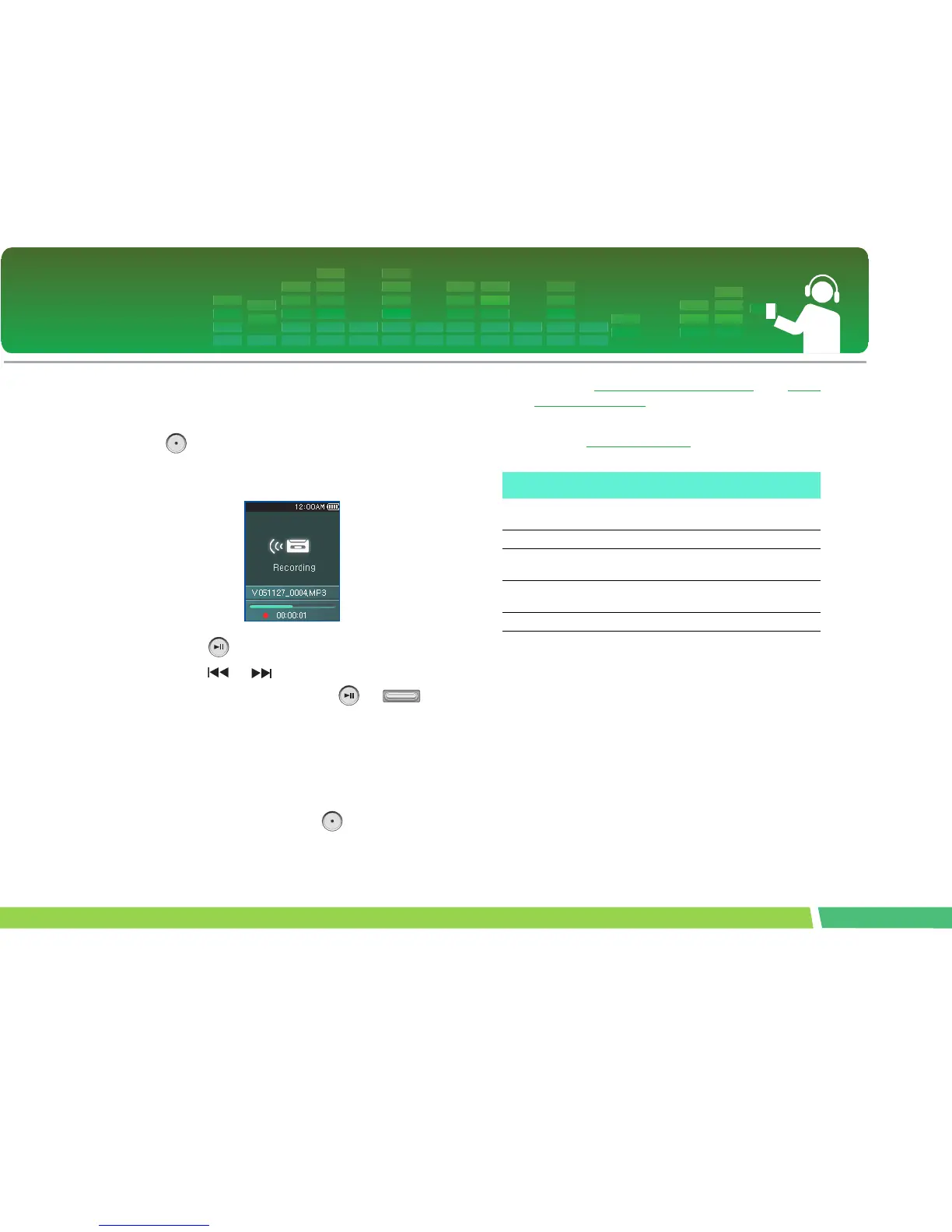
To record FM radio broadcasting
1.
To record while listening to the radio, press
button.
- The recording time will be displayed and the record-
ing will start.
2 .
Press button to pause.
3 .
Press or button shortly to select Con-
tinue or Finish. Then, press or but-
ton.
- If the user select Continue, recording will be re-
sumed.
- The recorded files will be saved under Record folder
named F051127_0004.MP3
(YearMonthDate_Order)
4 .
To stop recording, press button.
- Files less than one second long will not be saved.
5 .
Refer to “Recorded file” on page 38 and “View
All List” on page 39 to play prerecorded files.
EZ menu (See on page 54)
With this You can do...
Media
The user can view the photo or text file
while listening to the radio.
Channel The user can save or delete the channel.
Channel Setting
The user can automatically/manually save
the channel.
Brightness
The user can adjust the brightness in 10
levels from 0 to 9.
Information Radio information display



 To Next Page