Playing video
41
EZ menu
(See on page 54)
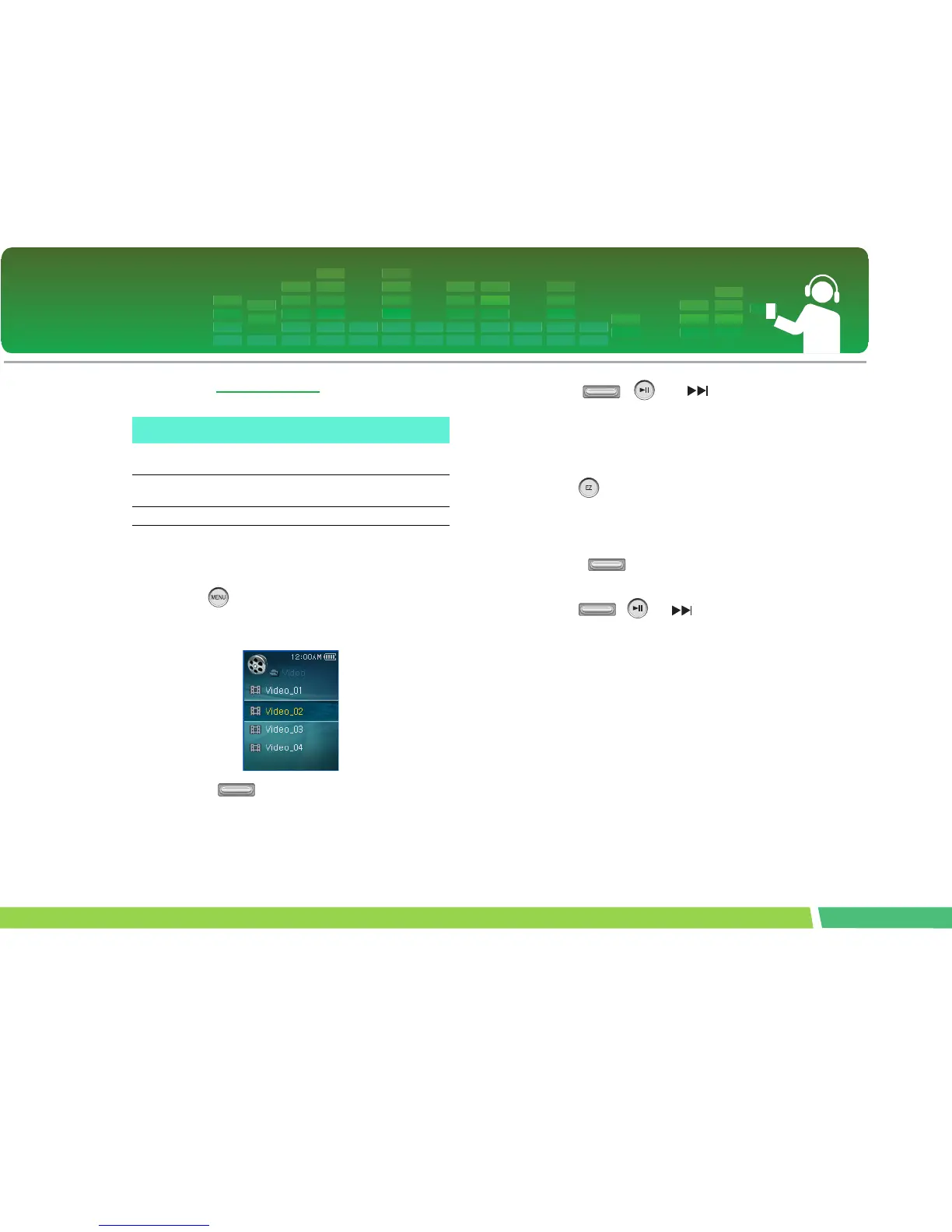
View Playlist
1.
Press button for two seconds or longer
while the player is playing/stopping the file.
Then, the play list will appear.
2 .
Adjust button in + or - direction to
select the video file.
3 .
Press , , or button shortly to
play the video file.
View All List
1.
Press button for two seconds or longer
while the player is playing the video file or
pausing.
- The entire list of MP3 files will appear
2 .
Adjust button in + or - direction to
select the file.
3 .
Press , or button to play.
With this You can do...
Bookmark
The user can set Set / Cancel / Move Book-
mark features.
Brightness
The user can adjust the brightness in 10 levels
from 0 to 9.
Information Video file information display



 To Next Page