44
View Text
View Text File
1.
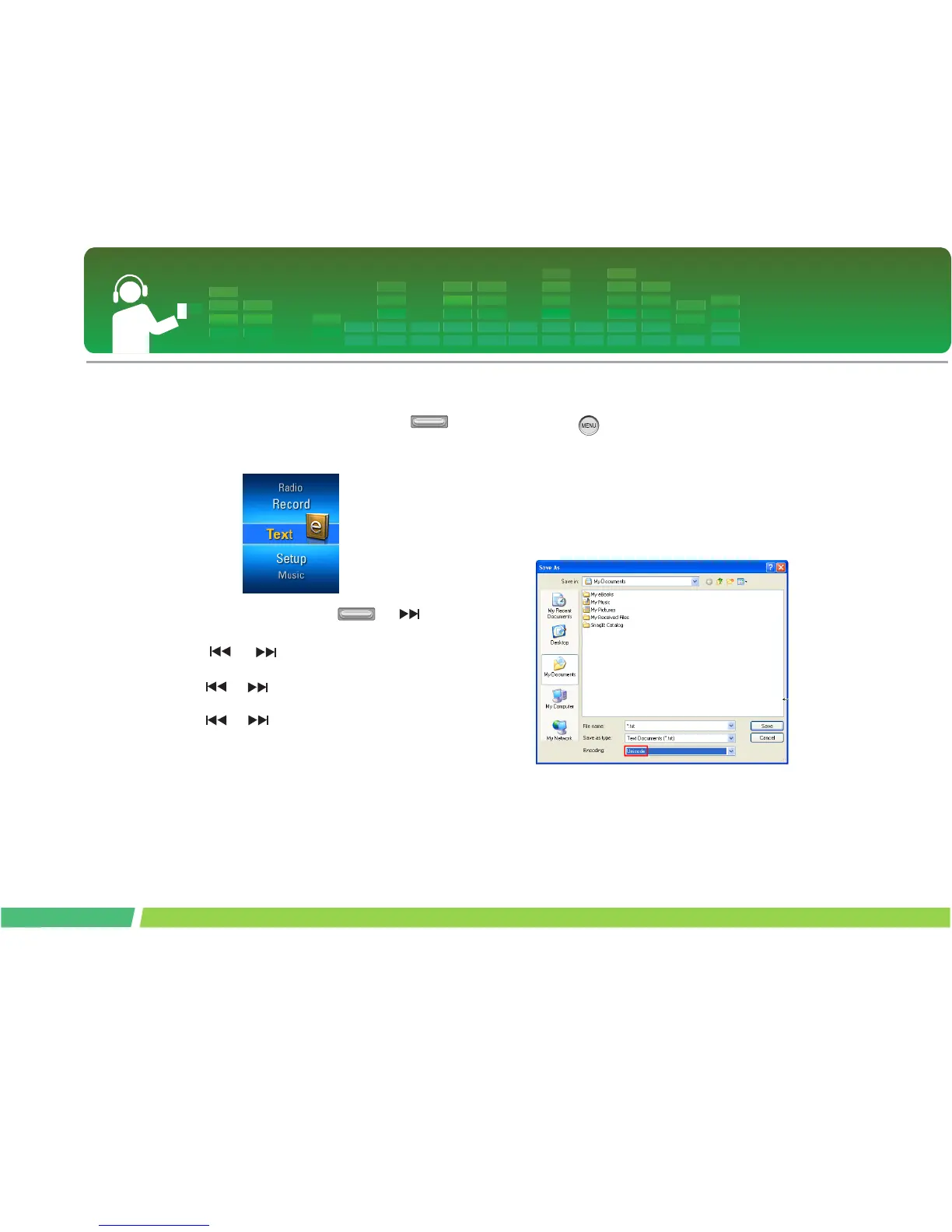
Move to the Home menu, and adjust
button in + or - directions to select [Text]
mode.
2 .
To open the text file, press or but-
ton.
3 .
Press or button shortly to select the
previous or next page.
- Press or shortly to go to the previous/next
page.
- Press or for two seconds or longer. Then,
the previous/next document will be opened.
- The player supports maximum 99999 pages.
- If the user selects the automatic page moving at the
EZ menu, the page will be automatically moved at ev-
ery interval defined.
View Playlist
1.
Press button for two seconds or longer
while viewing the text.
- In case the language code is not correct, the charac-
ters of the text file may be displayed broken or may
not be displayed.
- You should convert the text file into Unicode on a PC
which supports your language of choice and down-
load it
- It may take time to load a large-sized text file.



 To Next Page