Recording
48
3 .
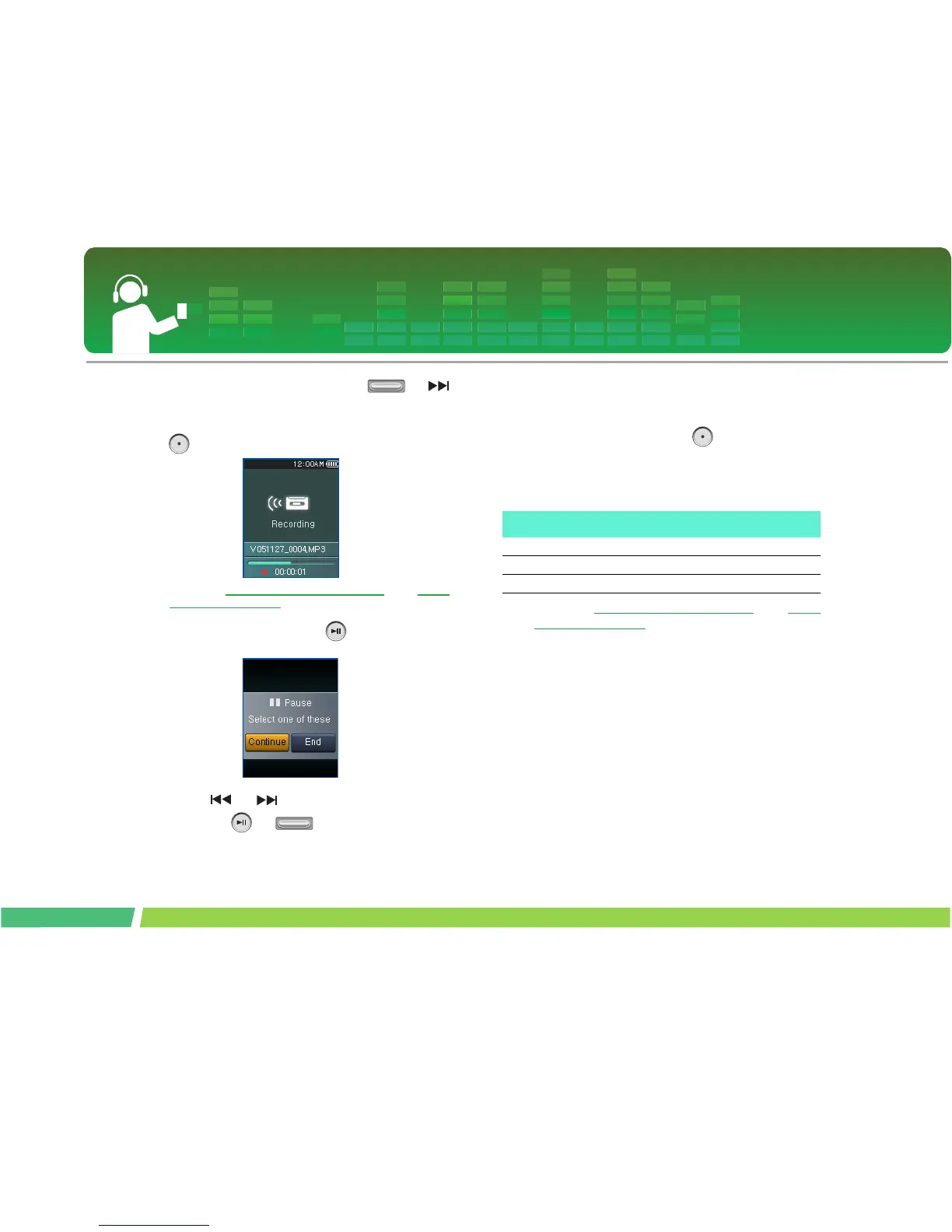
Select external input, and press or
button. Then, the recording standby screen
will appear.
4 .
Press this button to start recording.
- Refer to “Recorded file” on page 38 and “View
All List” on page 39 to play prerecorded files.
5 .
To pause recording, stop button.
6 .
Press or button to continue or stop,
and press or button.
- Select Continue to resume recording.
- The recorded files will be stored under Record folder
named L051127_0004.MP3
(YearMonthDate_Order)
7 .
To stop recording, press button.
- Files less than one second long will not be stored.
- Recording time by its quality.
8 .
Refer to “Recorded file” on page 38 and “View
All List” on page 39 to play prerecorded files.
Recording quality Recording time (for 512MByte)
96 Kbps About 11hours and 30minutes
128 Kbps About 8 hours and 30 minutes
192Kbps About 5 hours and 30 minutes



 To Next Page