KF700 Buttons and
Touchscreen
A few simple buttons and a high-
resolution touchscreen make it easy to
learn and use KF700.
WARNING! For important
information about safety, see
page 139.
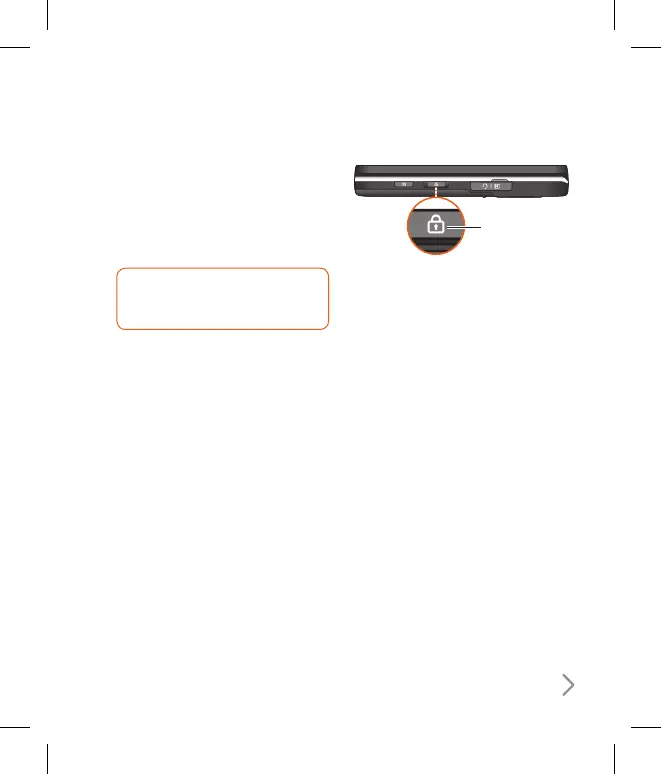
Locking KF700 and
Turning It On or Off
When you’re not using KF700 but
you still want to receive calls and text
messages, you can lock it.
When KF700 is locked, nothing happens
if you touch the screen. You can still listen
to music and adjust the volume, and
use the button on the included stereo
headset to play or pause a song, or
answer or end a call.
By default, if you don’t touch the screen
for a seconds, KF700 locks automatically.
Lock/Unlock
button
ß
This product’s keys on the LCD screen
are touch keys.
ß
Be sure to read “Cautions for Touch
Keys” before using this product.



 To Next Page