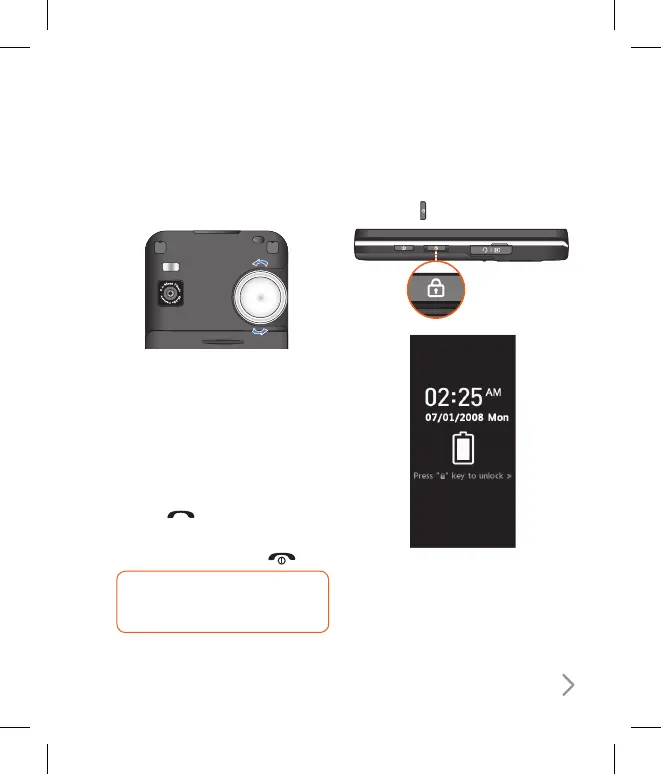
Adjusting the Volume
Use the wheel on the backside of the
phone to adjust the volume during a call.
Answering a Call
When you receive a call, the phone
rings and the animated phone icon
appears on the screen. If the caller can be
identified, the caller’s phone number (or
name/picture if stored in your Contact
list) is displayed.
1. Press the
key to answer an
incoming call.
2. End the call by pressing the key.
TIP! You can answer a call while
using the address book or other
menu features.
Lock Touchscreen and Keypad
Keypad Lock Mode can be activated by
pressing the key.



 To Next Page