3 After you’ve taken the photo you’ll
be offered all the same options as are
available for an image taken with the
main camera.
4 To return to the main camera touch
and then .
Viewing your saved photos
1 You can access your saved photos from
within the camera mode and from the
standby screen. From the viewfinder,
simply touch . From the standby
screen you should touch
, then
select . Choose My stuff followed
by My Images.
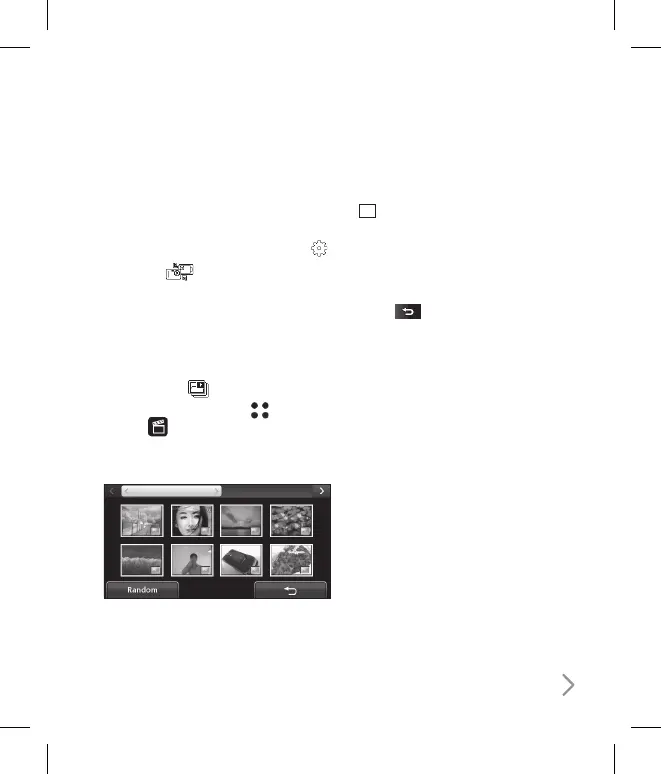
2 Your gallery will appear on screen.
Viewing the details of a photo
1 Touch the photo once then touch the
i
that appears.
2 The photo will reveal the name, the
date it was taken, the size (in kilobytes
and pixels) and the image type (e.g.
jpeg) on the top.
3 Touch to close the details and
view the photo.



 To Next Page