EasyManua.ls Logo

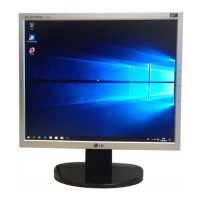
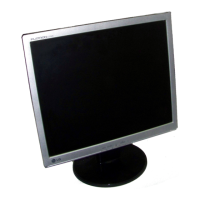
LG L1780Q - User Manual

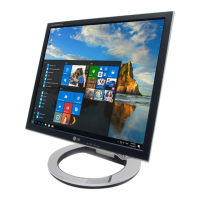
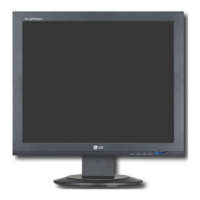
LG L1780Q
25 pages
Print Icon
To Next Page IconTo Next Page
Loading...
Make sure to read the Important Precautions before using the product.
Keep the User's Guide(CD) in an accessible place for furture reference.
See the label attached on the product and quote this information to your
dealer when you require service.
User’s Guide
L1780U
L1980U
L1780Q
L1980Q
L1781Q
L1981Q
L1780Q Plus
L1980Q Plus

Questions and Answers

  • H
    Helen HartAug 11, 2025
    Why does my LG L1780Q say 'OUT OF RANGE'?
    • A
      Amanda MullenAug 11, 2025
      The 'OUT OF RANGE' message on your LG Monitor appears when the signal from your PC (video card) is outside of the display's acceptable horizontal or vertical frequency range. To resolve this, refer to the 'Specifications' section of this manual and configure your display settings accordingly.
  • J
    Jennifer HillAug 20, 2025
    How to unlock the OSD on my LG L1780Q?
    • D
      David HigginsAug 20, 2025
      If your LG Monitor displays an 'OSD LOCKED' message, you can unlock the OSD controls by touching the MENU button for 5 seconds. The message 'OSD UNLOCKED' should then appear.
  • M
    matthewstoneAug 31, 2025
    What to do if I see a 'CHECK SIGNAL CABLE' message on my LG L1780Q Monitor?
    • K
      Karen BeckAug 31, 2025
      If you see a 'CHECK SIGNAL CABLE' message on your LG Monitor, it means the connection between your PC and the display is not working. To fix this, check the signal cable and try again.

LG L1780Q Specifications

General IconGeneral
BrandLG
ModelL1780Q
CategoryMonitor
LanguageEnglish

Related product manuals