62
MULTI V S System Installation Manual
Due to our policy of continuous product innovation, some specifications may change without notification.
©LG Electronics U.S.A., Inc., Englewood Cliffs, NJ. All rights reserved. “LG” is a registered trademark of LG Corp.
Setting the Outdoor Unit Address
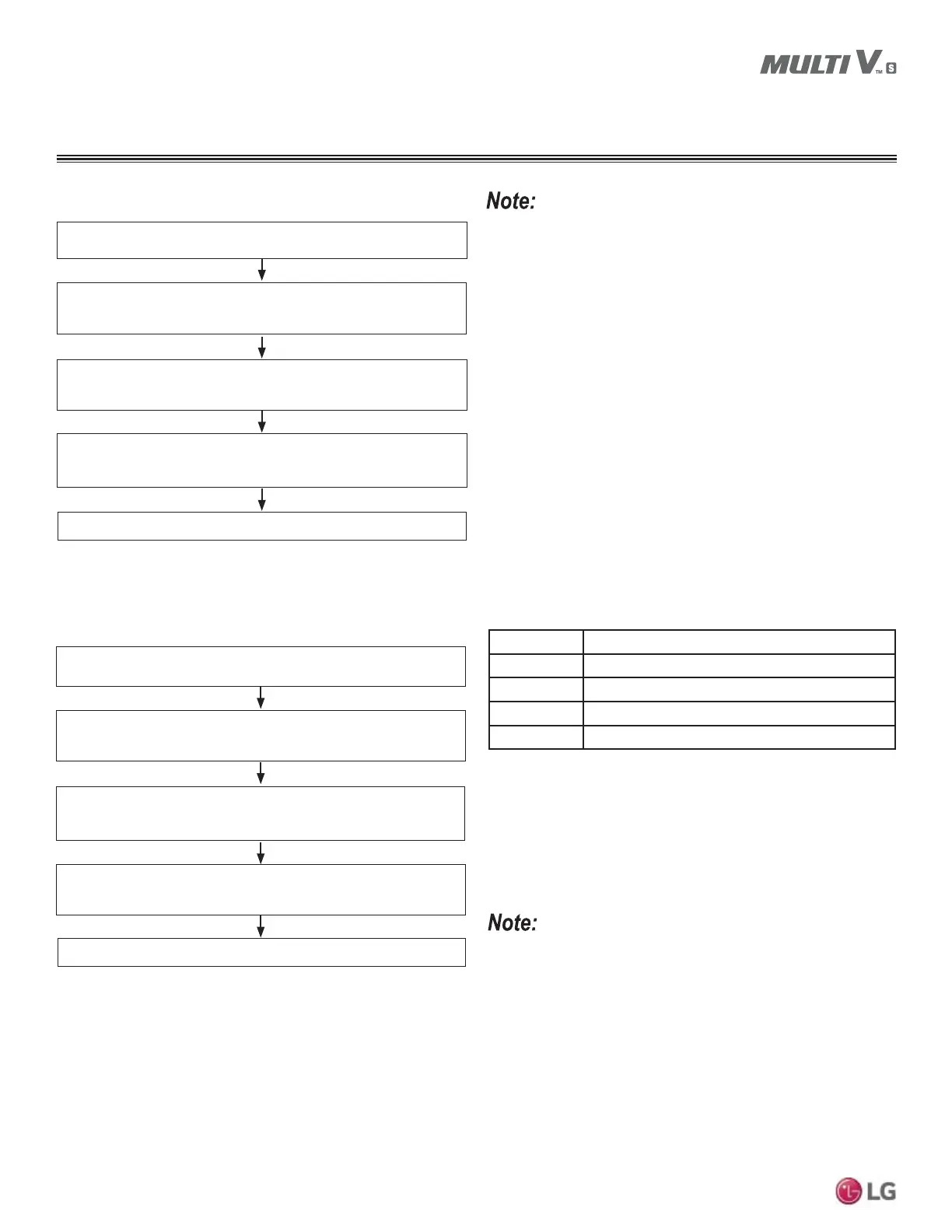
Set Outdoor Unit PCB DIP Switch No. 5 to ON.
6HOHFWWKHPRGHXVLQJWKHŹDQGŻEXWWRQV
Choose “Func” by pushing the Ɣ button.
Outdoor Unit address is set.
6HOHFWWKHIXQFWLRQXVLQJWKHŹDQGŻEXWWRQV
Choose “Fn5” by pushing the Ɣ button.
6HOHFWWKHRSWLRQXVLQJWKHŹDQGŻEXWWRQV
Choose “0 ~ 255” by pushing the Ɣ button.
• A trained technician must set the functions.
• A central controller must first be installed before the outdoor unit
address can be set.
6QRZ5HPRYDODQG5DSLG'HIURVW)XQFWLRQV
Set Outdoor Unit PCB DIP Switch No. 5 to ON.
6HOHFWWKHPRGHXVLQJWKHŹDQGŻEXWWRQV
Choose “Func” by pushing the
Ɣ button.
0RGHLVVHW
6HOHFWWKHIXQFWLRQXVLQJWKHŹDQGŻEXWWRQV
Choose “Fn6” by pushing the Ɣ button.
6HOHFWWKHRSWLRQXVLQJWKHŹDQGŻEXWWRQV
Choose “oFF” ,“op1” ~ “op3” by pushing the Ɣ button.
Setting Mode
oFF Not Set
op1 Snow Removal Function
op2 Rapid Defrost Function
op3 Snow Removal Function and Rapid Defrost Function
Table 42: Snow Removal and Rapid Defrost Functions Settings.
• A trained technician must set the functions.
• If a function is not used, set it to OFF.
WIRING
Setting the Functions



 To Next Page
 Loading...