Troubleshooting20
3
Troubleshooting
Troubleshooting
Problem Cause & Correction
No Power.
y
Plug in the power cord.
y
Check the condition by operating other electronic devices.
No sound.
y
Press
P
FUNCTION or
P
and check the selected function.
y
Adjust the volume.
y
Check that the sound of the unit is muted.
Radio stations cannot
be tuned in properly.
y
Adjust its position.
y
Tune to the station manually.
y
Preset some radio stations, see page 14 for details.
iPod/iPhone/iPad does
not work.
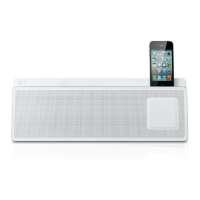
Connect iPod/iPhone/iPad to the unit correctly.
Audio is not output
from your docked
Android device.
y
Make sure that you are using Android system of version 4.1 or later.
y
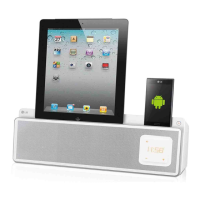
Connect Android device to the unit correctly.
Clock does not
displayed.
y
Power has been interrupted or the power plug has been disconnected.
y
Reset the clock (see page 9-10).
The control panel is not
bright.
Check that the dimmer function is activated.
The remote control
does not work properly.
y
The remote control is not pointed at the remote sensor of the unit.
y
The remote control is too far from the unit.
y
There is an obstacle in the path of the remote control and the unit.
y
The battery in the remote control is exhausted.
ND5521-FC.BDEULLK_ENG.indd 20 12. 10. 10. �� 1:41



 To Next Page