32
ENGLISH
USINGTHEPROJECTOR
UsingTheBattery
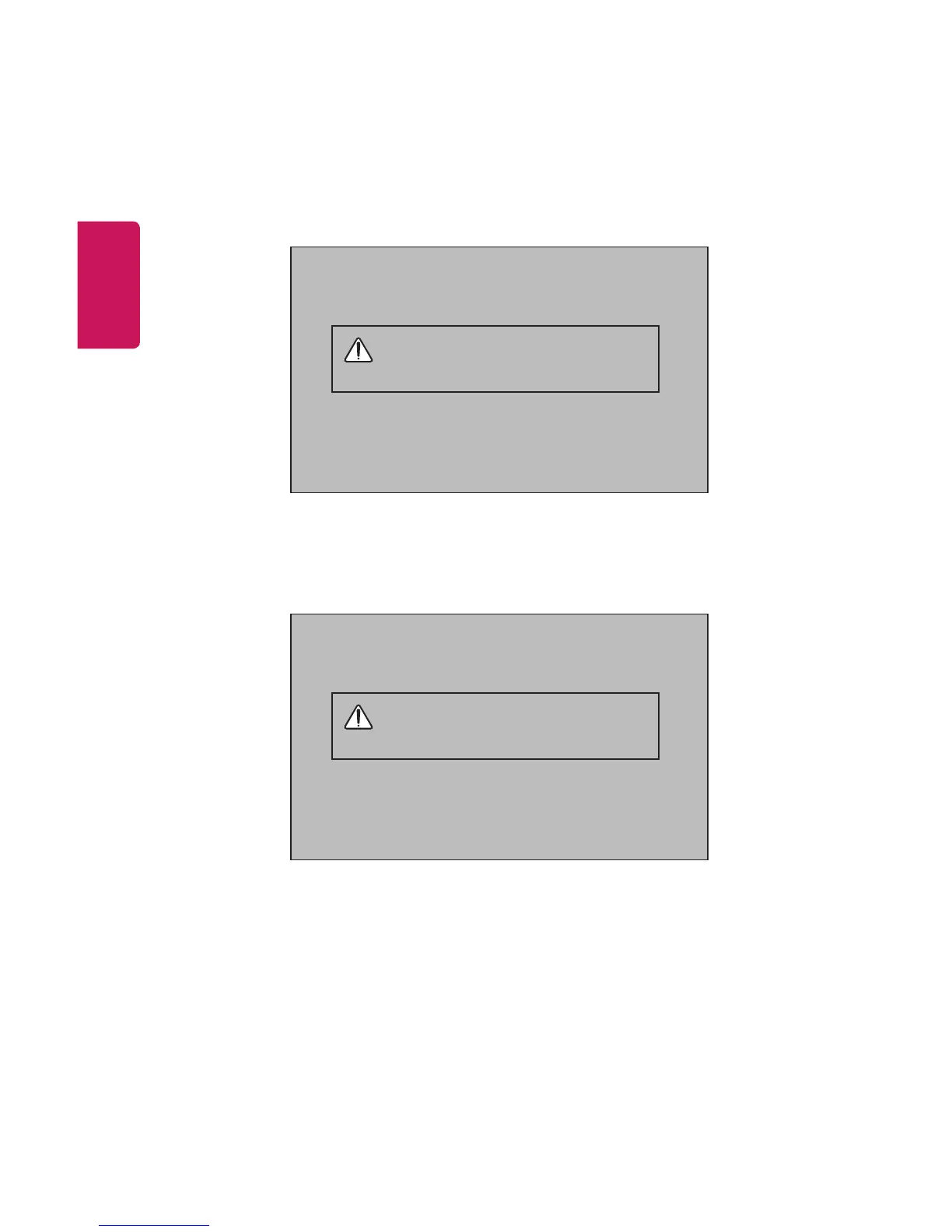
The battery is low. Connect a power
supply for charging.
• It is displayed when the battery is low (Energy Saving mode will be
changed to Maximum and will be disabled).
• If the screen shows a low battery message, be sure to charge the
battery.
The device powers off due to insufficient
battery.
• It is displayed when the battery is running out.
• As your battery is running out, the projector will turn off immediately.
• If the battery runs out, the projector can only be turned on after it has
been connected to a power supply.















 To Next Page