37
ENGLISH
UsingtheKeystoneFunction
To prevent the screen image from becoming trapezoidal, Keystone
adjusts the top and bottom width of the image if the projector is not set up
at a right angle to the screen.
Because the Keystone function may cause inferior screen image quality,
use this function only when it is not possible to set up the projector at an
optimal angle.
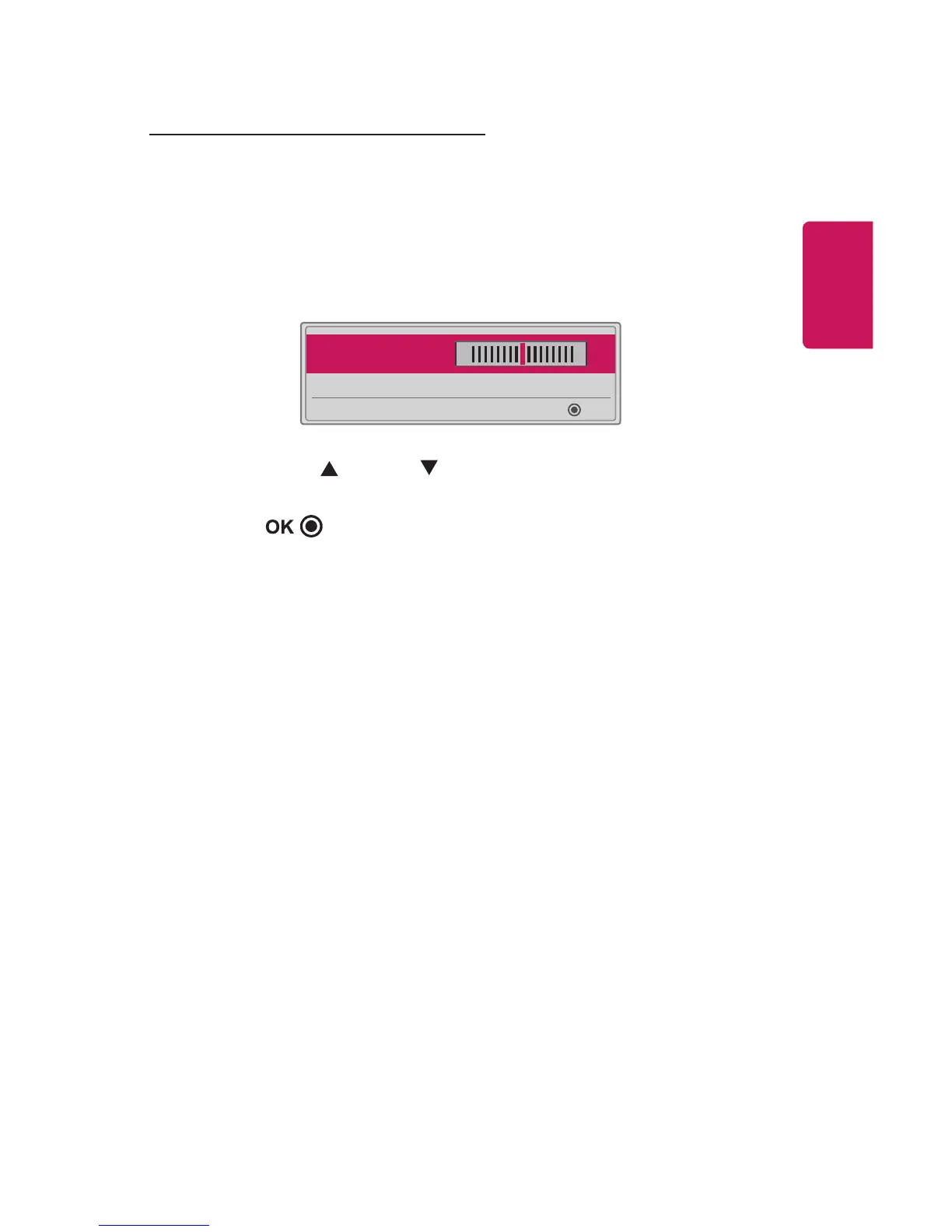
• Keystone 0
◀
- +
▶
OK
1 Press the Key's
button to adjust the picture.
• Keystone can be adjusted from -40 to 40.
2 Press the button when done.















 To Next Page