86
ENGLISH
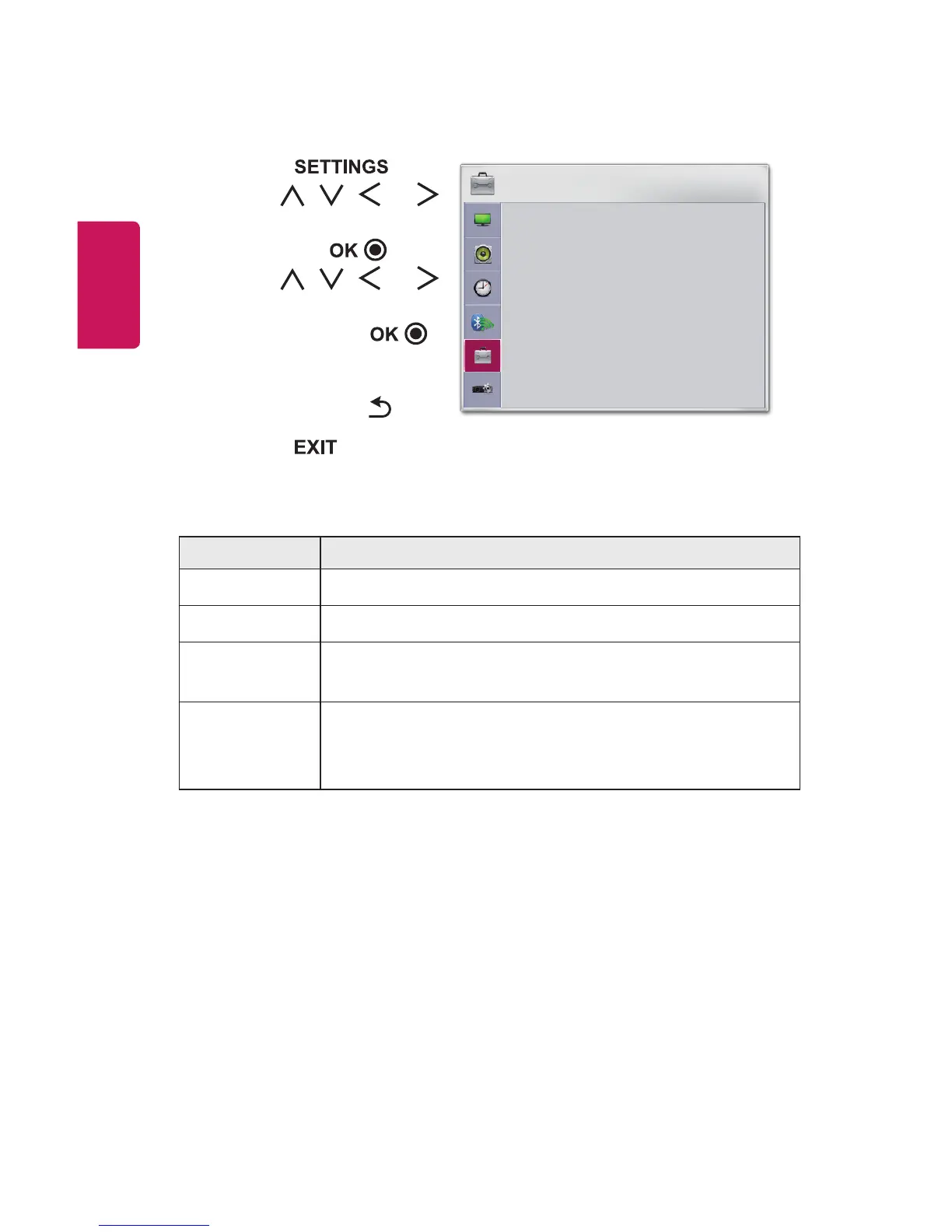
OPTION1Settings
1 Press the button.
2 Use the , , , or
button to select OPTION1
and press the button.
3 Use the , , , or
button to set up the desired
item and press the
button.
- To return to the previous
menu, press the button.
4 Press the button when
completed.
OPTION 1
• Language
• DivX(R) VOD
• Initial Setting
• Mode Setting : Standard
ꔂ Move ꔉ OK
The available option 1 settings are described as follows.
Menu Description
Language Selects a desired Menu Language.
DivX(R)VOD Sets DivX related settings.
InitialSetting
Resets all the projector settings to the factory default.
Do not turn off the power during initialization.
ModeSetting
Selects Standard or StoreDemo.
When in use in home, please select Standard.
StoreDemo mode is for store display.















 To Next Page