38
ENGLISH
ChangingInputDevice
Toselectanexternalinput
Selects external input.
The illustration of the menu may differ from the actual screen on the
product.
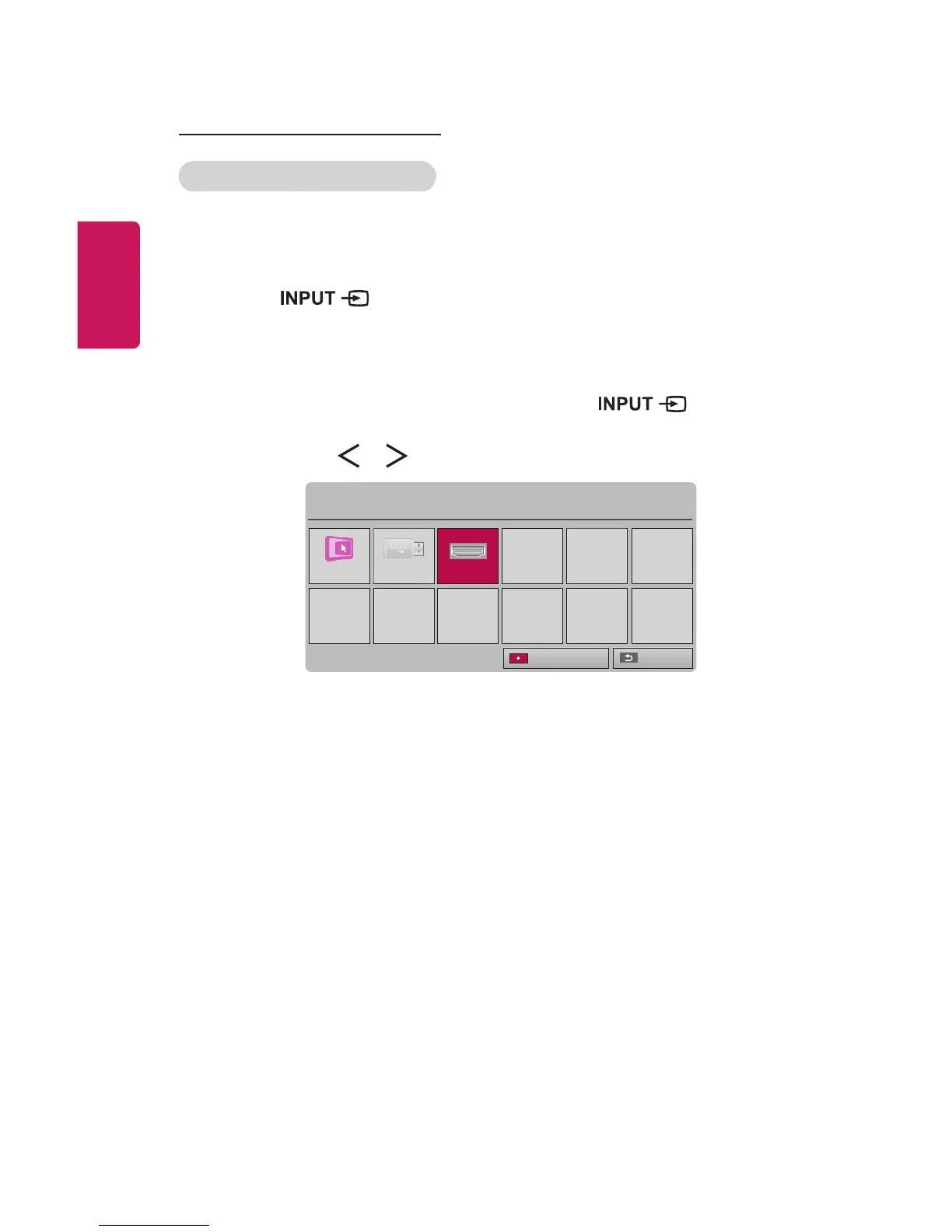
• Press the button on the remote control to display the input
selection screen.
- Connected inputs are displayed rst. However, SCREENSHARE
input is always activated.
• Select an input signal using the remote control's button to
connect the projector to the desired input.
You can use the or button to switch between all the input modes.
Input List
SCREEN SHARE
USB HDMI
ꔂ Move ꔉ OK
Exit
Input Label















 To Next Page