87
ENGLISH
OPTION2Settings
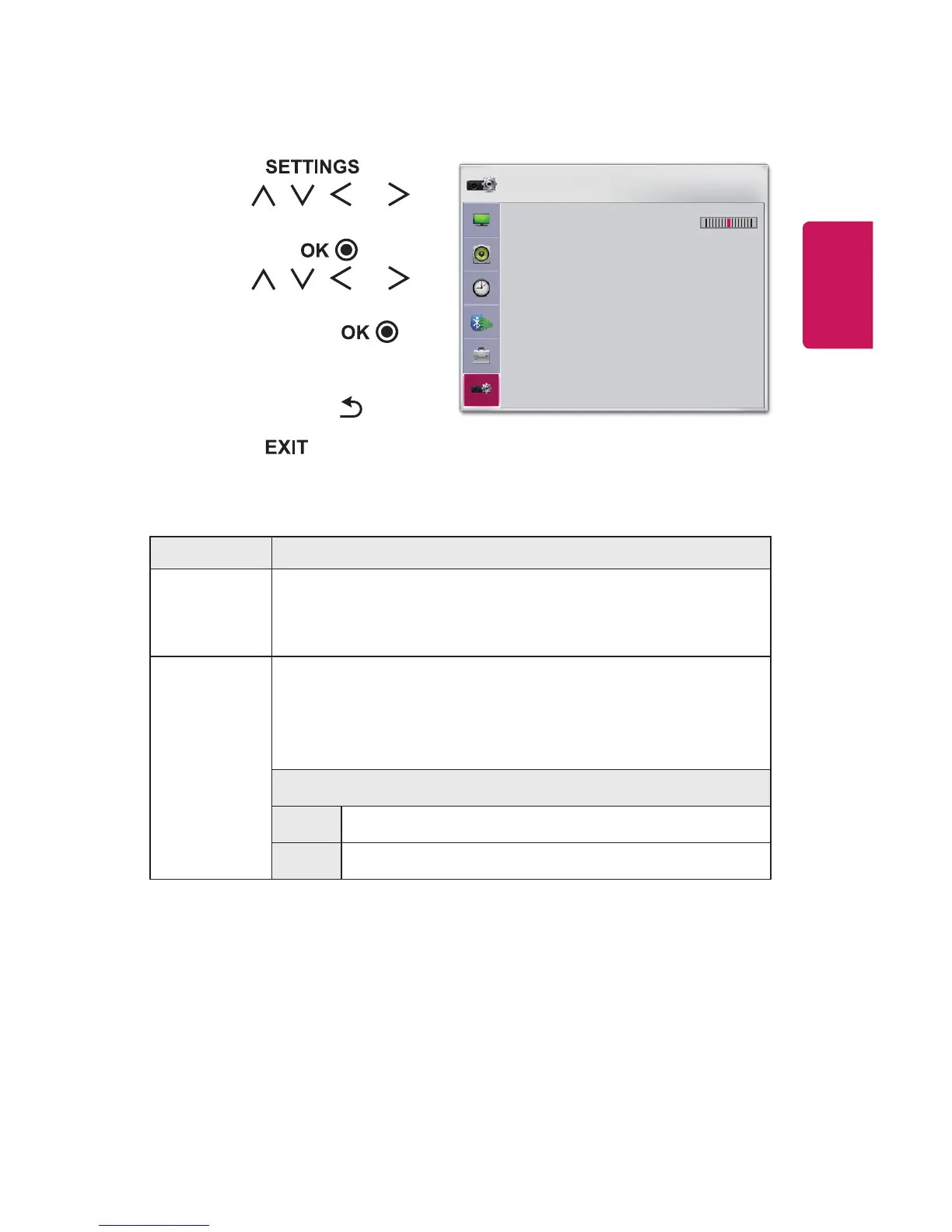
1 Press the button.
2 Use the , , , or
button to select OPTION2
and press the button.
3 Use the , , , or
button to set up the desired
item and press the
button.
- To return to the previous
menu, press the button.
4 Press the button when
completed.
OPTION 2
• Keystone 0
- +
• Auto Keystone : On
• PJT Mode : Front
• High Altitude : Off
• Blank Image : Blue
• Auto Power : Off
• Self Diagnosis
ꔂ Move ꔉ OK
The settings for option 2 are described as follows.
Menu Description
Keystone
To prevent the screen image from becoming trapezoidal,
Keystone adjusts the top and bottom width of the image if
the projector is not set at a right angle to the screen.
Auto
Keystone
AutoKeystone provides a rectangular screen image by
automatically adjusting the Keystone number when there
is a trapezoidal screen image caused by tilting of the
projector.
Item
On Automatically adjusts the Keystone number.
Off Manually adjusts the Keystone number.















 To Next Page