93
ENGLISH
UsingtheMirroringFunctionofaMobile
Phone
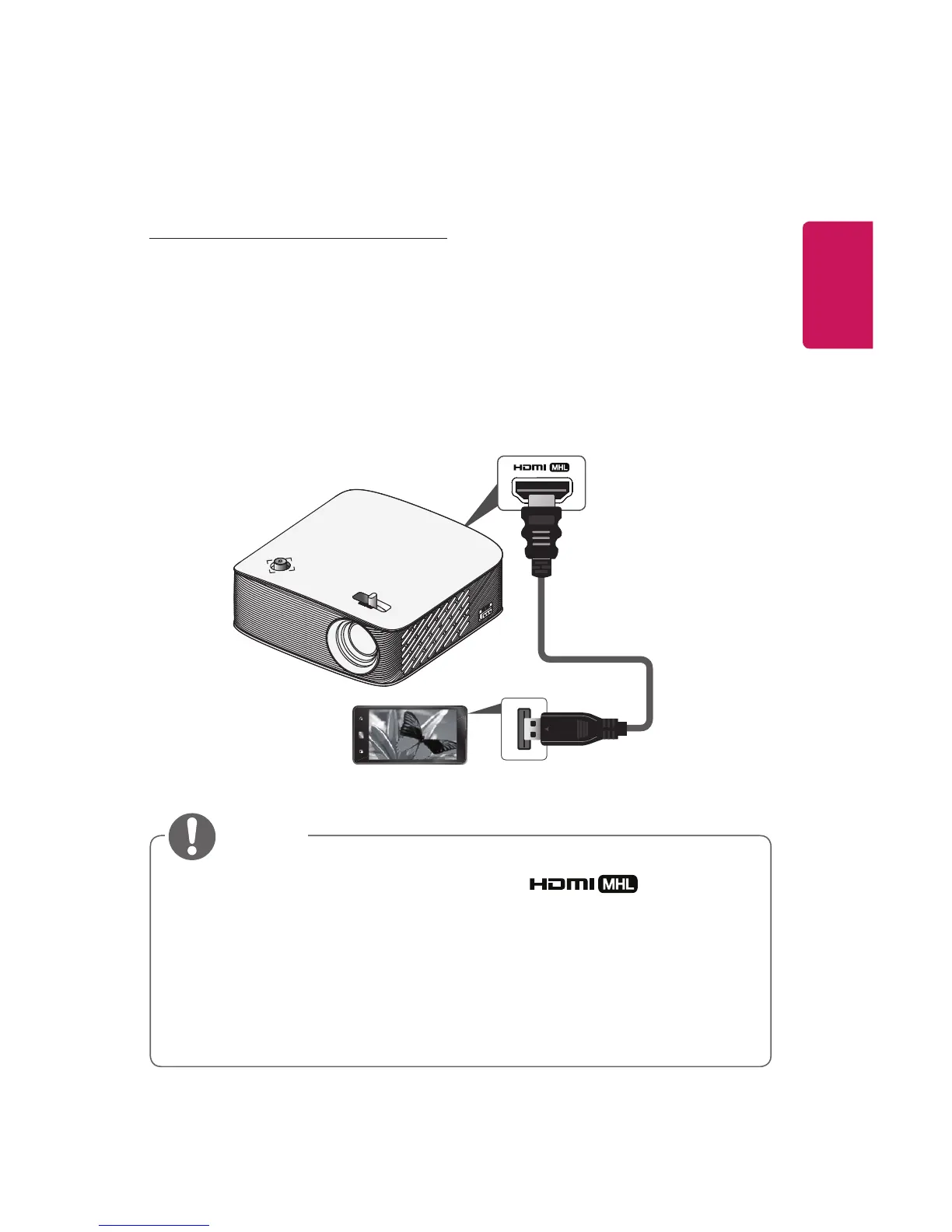
MHL/SlimportConnection
You must use a HDMI adapter to connect your cell phone to the projector
and to output images and sound from your cell phone to the projector.
The compatible HDMI adapters are different, depending upon your cell
phone type.
Therefore, purchase an appropriate MHL or Slimport adapter.
(To nd out whether your device is MHL/Slimport-certied, please contact
your device manufacturer.)
* Optional Extras
• When you connect a mobile phone to the port, you can
see the mobile phone screen through a projector.
– This only applies to mobile phones that support MHL/Slimport.
– You can use the remote control for some applications.
• Disconnect the MHL/Slimport cable from the projector when:
– The MHL/Slimport function is disabled.
– Your mobile device is fully charged in standby mode.















 To Next Page