40
ENGLISH
BlankFunction
UsingtheBlankFunction
This function may be effective when you need to draw attention during a
meeting or training.
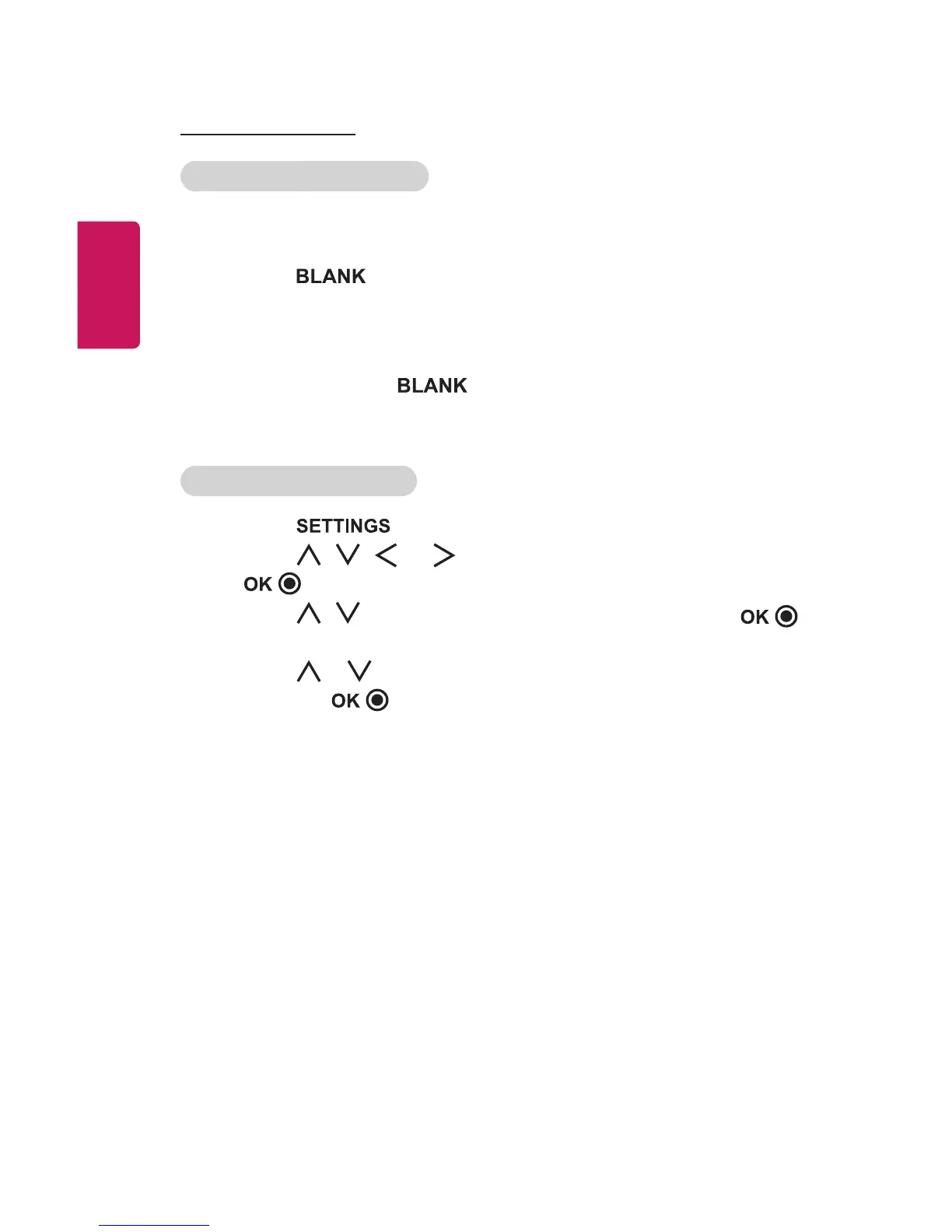
1 Press the button, and the screen is covered by the
background color. You can change the background color by referring
to Selecting a Blank Image.
2 Press any button to clear the blank function. To cover the screen
temporarily, press the button on the remote control. Do not
block the lens with any object while the projector is running. It may
become overheated and deformed or even cause a re.
SelectingaBlankImage
1 Press the button.
2 Press the , , , or buttons to select OPTION2 and press
the button.
3 Press the , buttons to select BlankImage and press the
button.
4 Press the or button to move to the setting or option you want
and press the button.















 To Next Page