21
DVD PLAYBACK
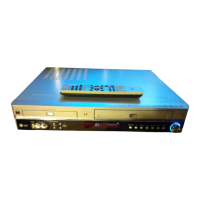
Playing a DVD
Playing a DVD
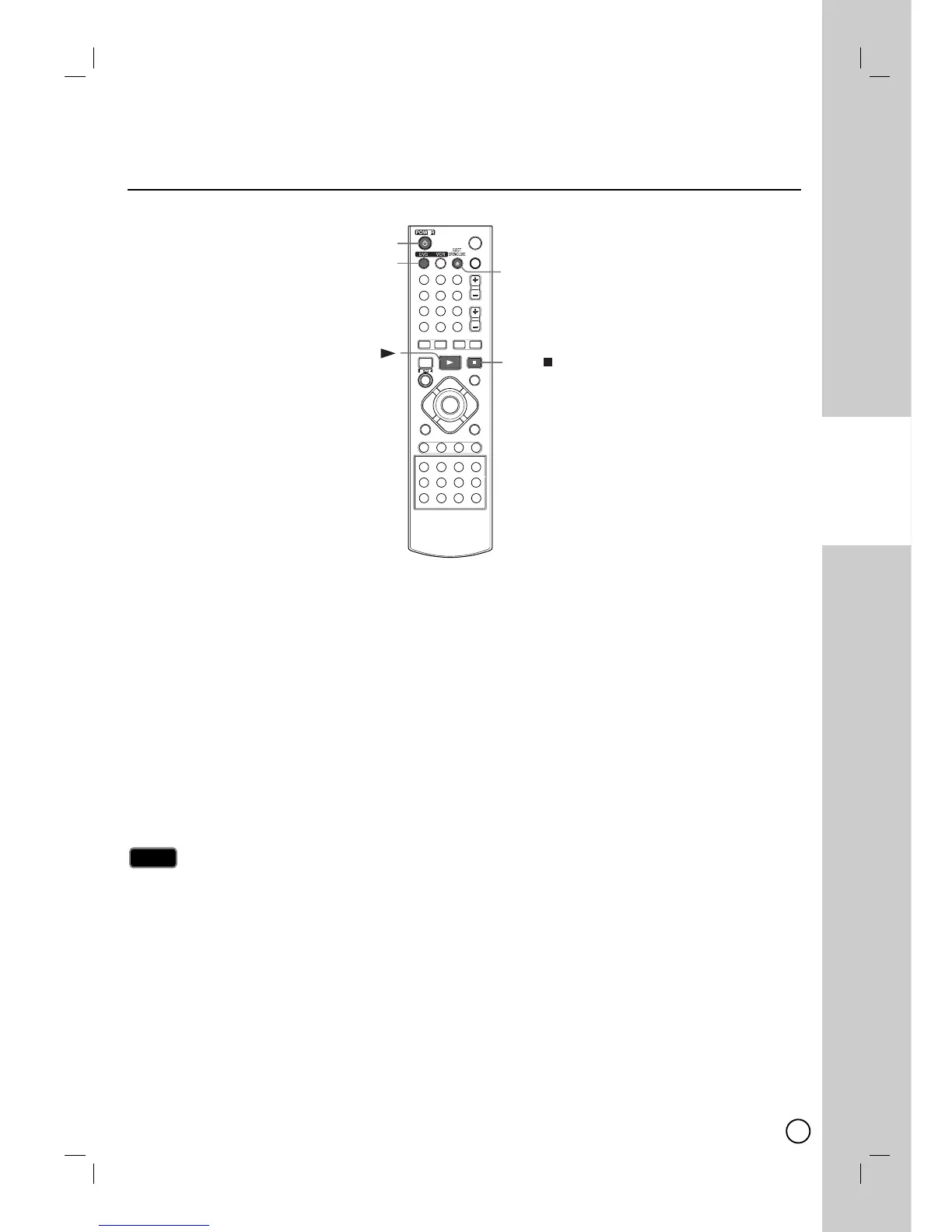
1. Press DVD to control the DVD deck.
2. Press EJECT, OPEN/CLOSE (
ZZ
) to open the disc tray. Load your chosen disc in the tray, with the playback
side down.
3. Press EJECT, OPEN/CLOSE (
ZZ
) to close the tray. Playback starts automatically. If playback does not start,
press PLAY (
NN
) or Starts playback using HOME menu.
4. To stop the playback, press STOP (
xx
).
The unit records the stopped point, depending on the disc. “
X
x” appears on the screen briefly. Press PLAY
(
NN
) to resume playback (from the scene point). If you press STOP (
xx
) again or unload the disc (“x” appears
on the screen.), the unit will clear the stopped point.
5. Press EJECT, OPEN/CLOSE (
ZZ
) to remove the disc.
Press EJECT, OPEN/CLOSE (
ZZ
) to close disc tray or press POWER (
11
), the disc tray closes
automatically and unit turns off.
If parental control is set and the disc is not within the rating settings you must input the password.
(See [Rating] on page 53).
Note
Note
DVD Playback
DVD Playback


 To Next Page
 Loading...