- 36 -
Copyright ©2008 LG Electronics. Inc. All right reserved.
Only for training and service purposes
LGE Internal Use Only
Part 2 Functions & Controls
Installer Setting -E.S.P.
What is an E.S.P function?
This is the function that decides the strength of the wind for each wind level and because this function is to make the
installation easier, please do not use this function when using the remote controller.
If you set ESP incorrectly, the air conditioner may malfunction.
This setting must be carried out by a certificated-technician.
This function is used for only Duct product.
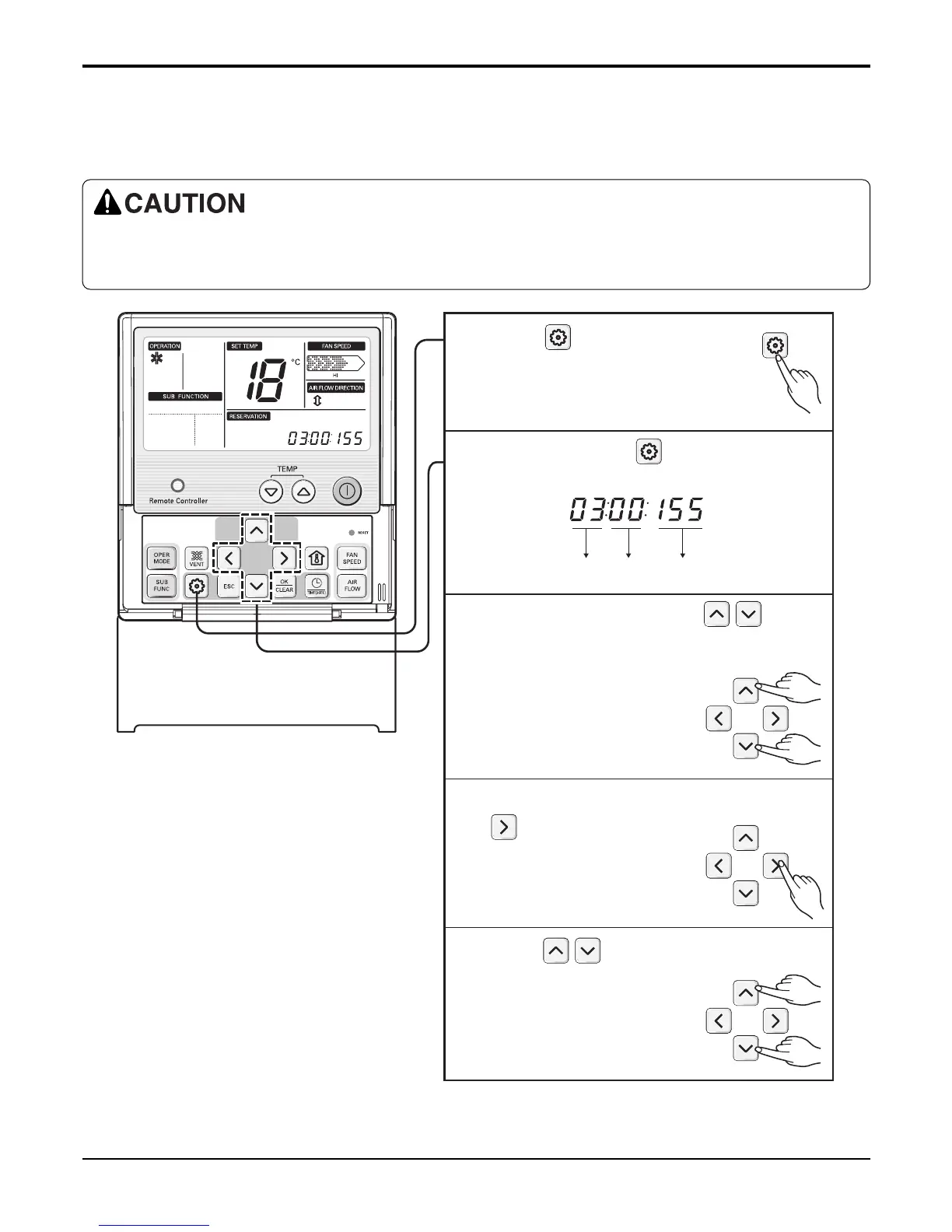
Function Code ESP valueESP step
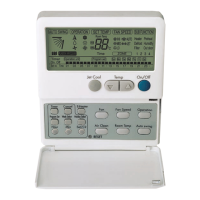
Press button for 4 seconds
to enter the installer setting
mode until timer segment
display “01:01”.
1
Repeat pressing button to select
Function code 03.
2
Set ESP step by pressing button.
(01: very low, 02: low, 03: medium, 04:
high. 05: power)
3
Move to ESP setting by pressing
button.
4
Press button to select ESP
value(0~255).
5


 To Next Page