37
WATCHING TV / PROGRAMME CONTROL
■ Selecting favourite programme
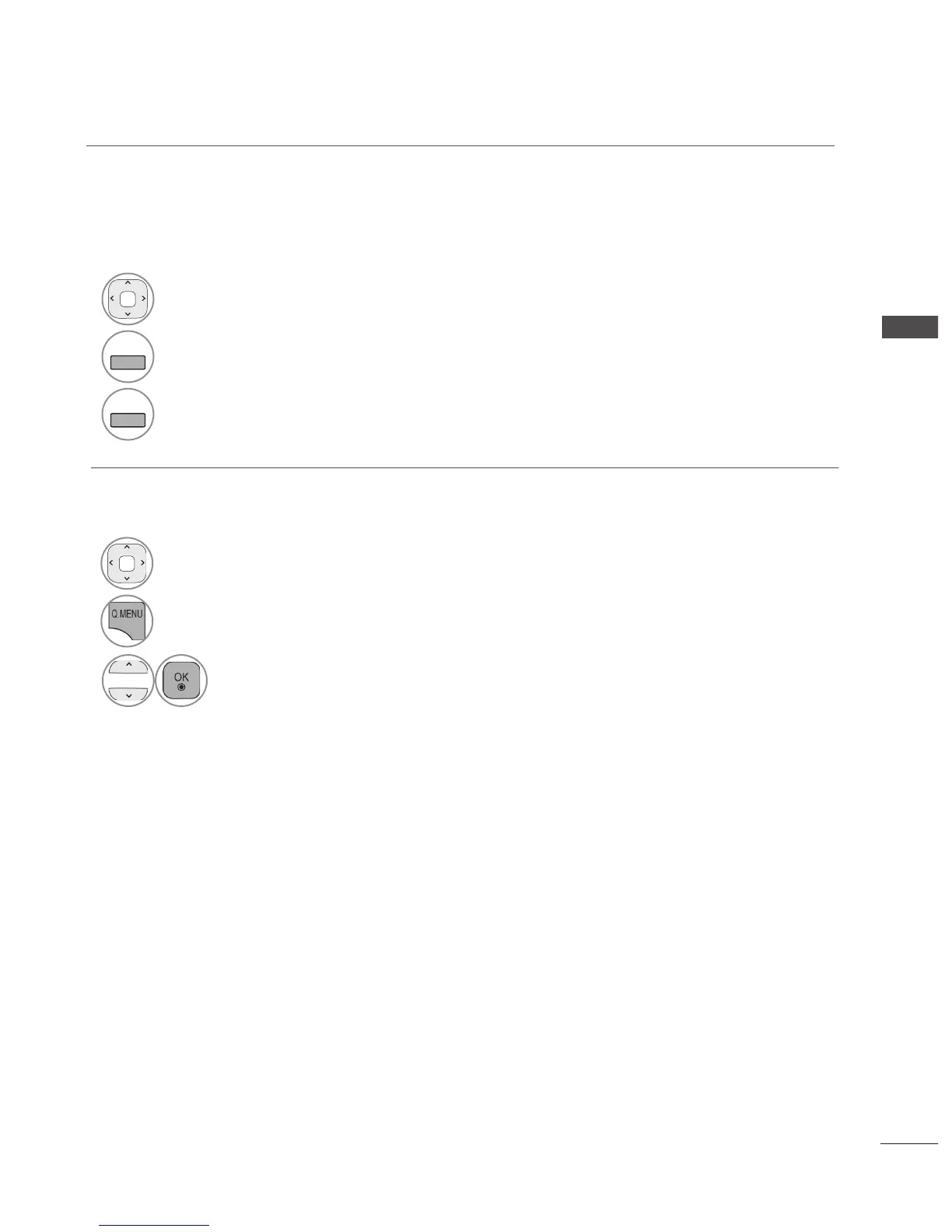
1
Select your desired programme.
2
Release.
Favorite programmes is a convenient feature that lets you quickly scan up to programmes of your
choice without having to wait for the TV to scan through all the in-between programmes.
■ Selecting favourite programme group
1
Select your desired programme.
2
Display a pop-up window where
Favourite group can be changed.
3
Select a Favourite group.



 To Next Page