12
Getting to know your phone
Installing the SIM card and battery
Beforeyoucanstartexploringyournewphone,you'llneedtosetitup.To
inserttheSIMcardandbattery:
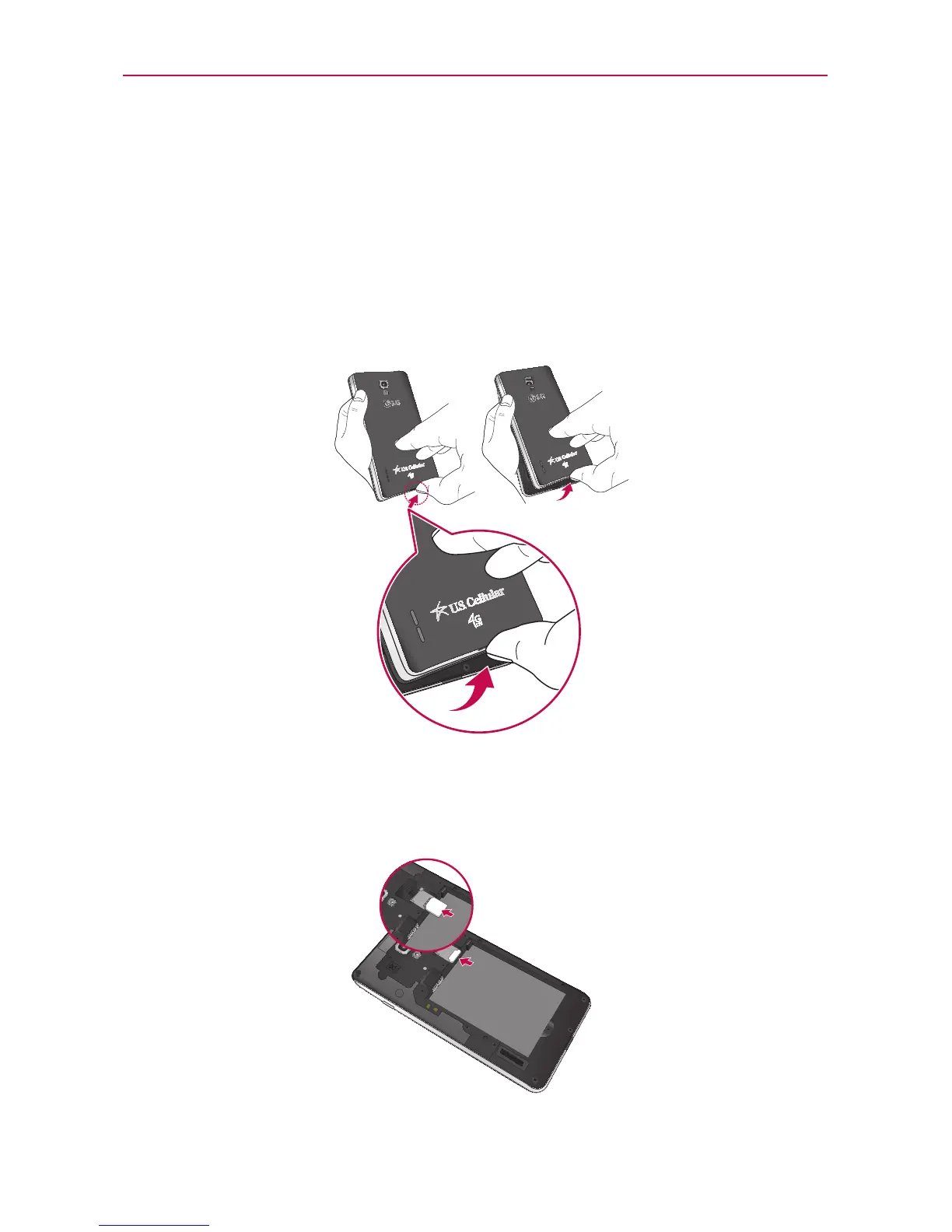
1.Toremovethebackcover,holdthephonermlyinonehand.Withyour
otherhand,liftoffthebackcoverwithyourthumbnailasshowningure
onthenextpage.
NOTE
PutyourthumbnailintotheCharger/USBPortholeandliftoffthebackcover.
2.SlidetheSIMcardintotheSIMcardslot.Makesurethegoldcontact
areaonthecardisfacingdownwards.
NOTE
PleaseinsertthenotchedsideoftheSIMcardrst.Refertotheimageinscribedabove
theSIMcardslot.



 To Next Page