60
The web
Browser
Browsergivesyouafast,full-colorworldofgames,music,news,sport,
entertainmentandmuchmore,rightonyourmobilephone.Whereveryou
areandwhateveryouenjoy.
NOTE
Additionalchargesapplywhenconnectingtotheseservicesanddownloadingcontent.
Checkdatachargeswithyournetworkprovider.
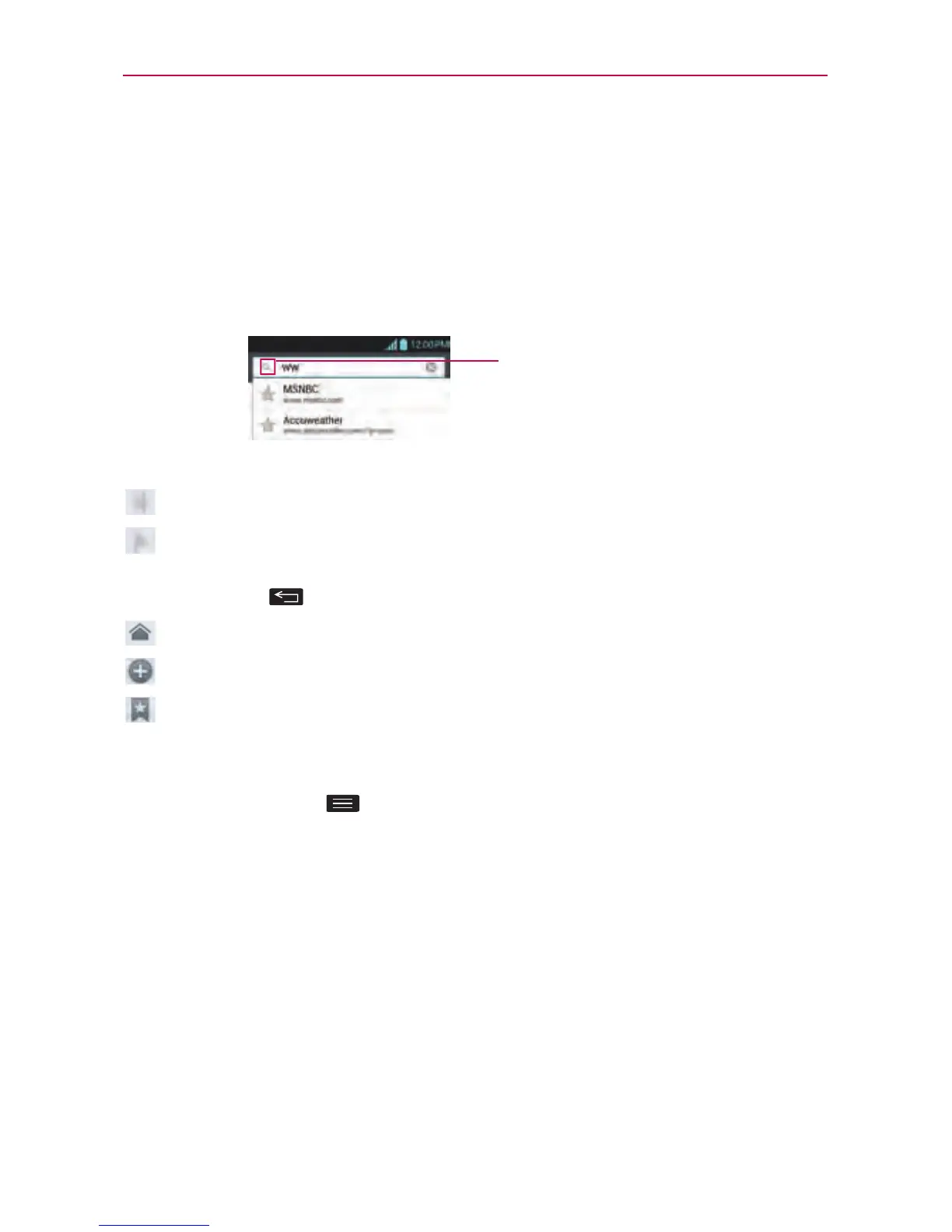
EntertheURLandtouch
heretosearch.
Using the web toolbar
Touchtogobackapage.
Touchtogoforwardsapage,tothepageyouconnectedtoafterthe
currentone.Thisistheoppositeofwhathappenswhenyoupressthe
BackKey ,whichgoestothepreviouspage.
Gotothehomepage.
Touchtoaddanewwindow.
Touchtoaddyourfavoritebookmarks.
Using options
TouchtheMenu Key toviewthefollowingoptions.
Refresh–Updatethecurrentwebpage.
Save to bookmarks–Addthecurrentwebpageasbookmark.
Share page–Allowsyoutosharethewebpagewithothers.
Find on page–Allowsyoutondlettersorwordsonthecurrentwebpage.
Desktop view–Allowsyoutoviewthewebpageindesktopview.
Save for offline reading–Allowsyoutosavethecurrentpageofineso
youcanreaditlater.
Settings–DisplaysBrowsersettings.
Exit–ExitsthewebpageandclosestheBrowser.



 To Next Page