58
Utilities
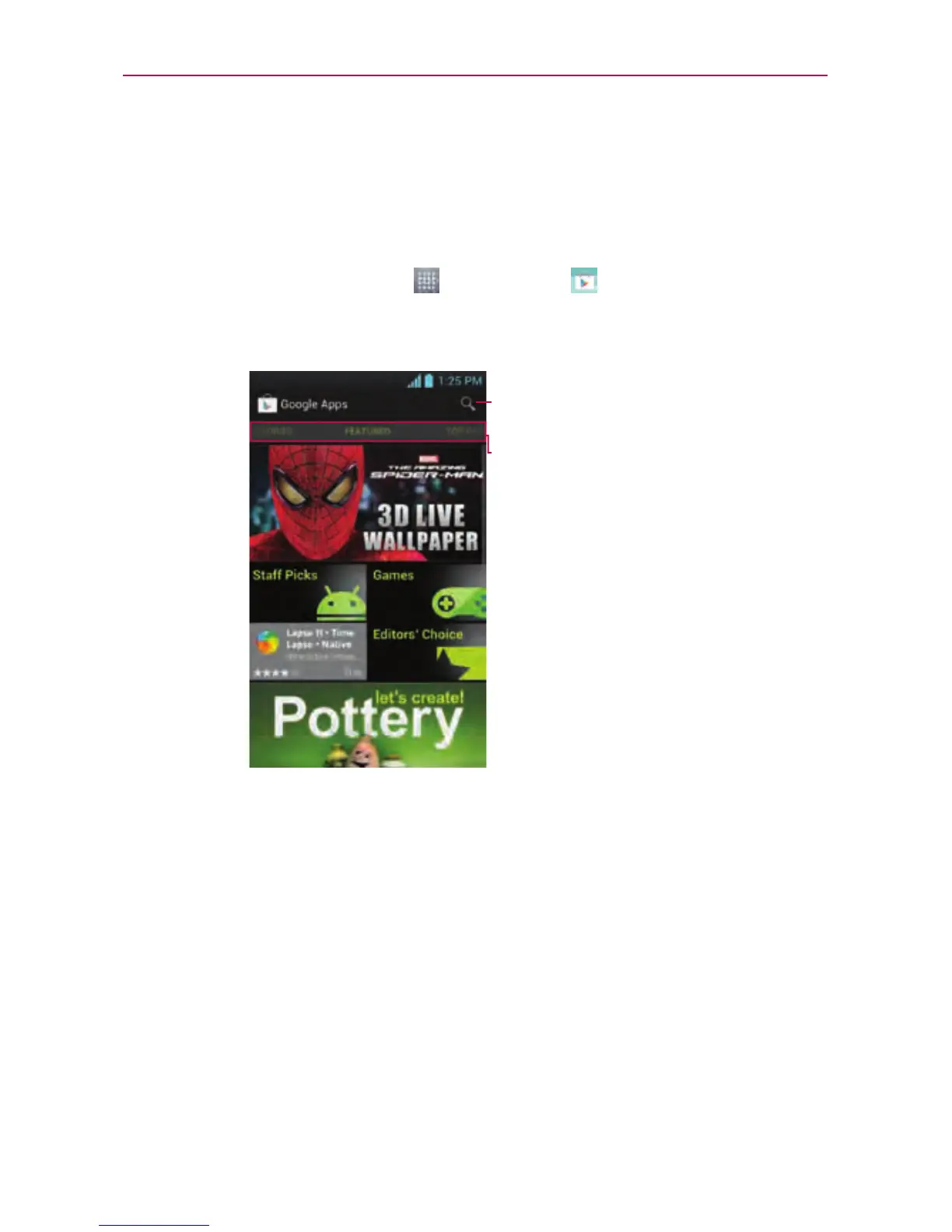
Play Store™
PlayStoreallowsyoutobrowseandsearchforfreeandpaidapplications.
To open the Play Store application
►
OntheHomescreen,touch
>Play Store
.Whenyouopenthe
Play Storeapplicationforthersttime,youmustreadandacceptthe
termsofservicetocontinue.
Scrolltotheleftandright
toviewandexploresub-
categories.
Touchheretosearchforthe
apps.
To download the applications
NOTE
Beforeyoucandownloadapaidapplication,youmustsetupabillingarrangement.
1.Findanapplicationyouwantandopenitsdetailsscreen.
2.TouchtheInstallbutton(freeapps)orPricebutton(paidapps).The
screenwilldisplayiftheapplicationrequiresaccesstoyourdataor
controlofanyfunctionsonyourphone.ThePlayStoreapplicationtells
youwhatitcanaccessifyoucontinuewiththedownload.



 To Next Page