EasyManua.ls Logo

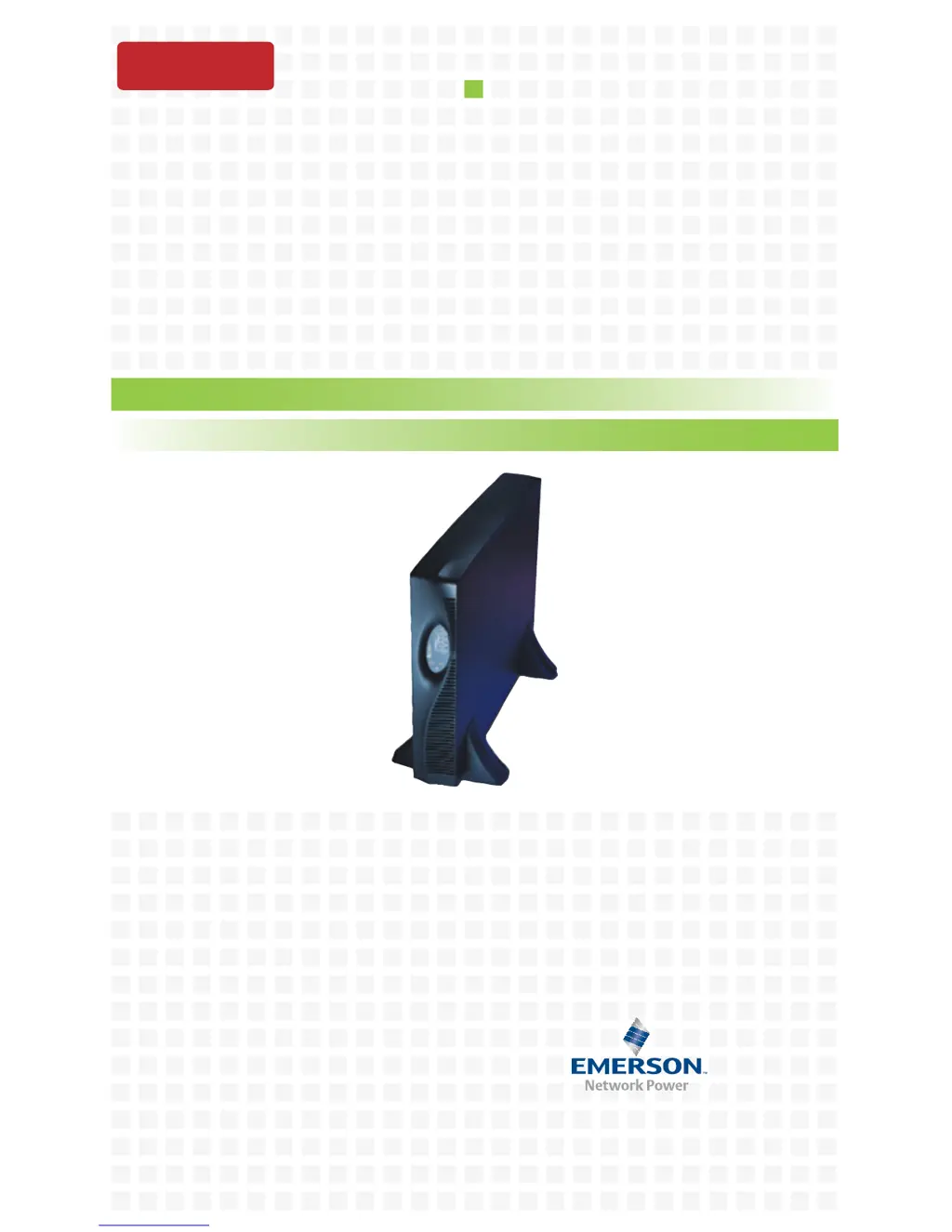
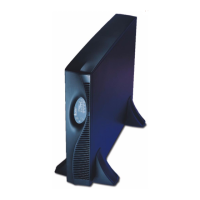
Liebert GXT2U - User Manual

Liebert GXT2U
44 pages
Print Icon
To Next Page IconTo Next Page
Loading...
AC Power Systems
For Business-Critical Continuity™
Liebert
®
GXT2U
User Manual - 120V, 500-3000VA
DISCONTINUED
PRODUCT

Table of Contents

Questions and Answers

  • K
    Katherine JacobsAug 30, 2025
    What to do if Fault indicator LED and diagnostic LED A and C are illuminated on my Liebert GXT2U?
    • T
      Tyler MedinaAug 30, 2025
      If the Fault indicator LED and diagnostic LEDs A and C are illuminated on your Liebert UPS, it means the UPS failed the battery test. Replace the batteries.
  • V
    vgrantAug 29, 2025
    Why is the Bypass LED flashing on my Liebert GXT2U?
    • C
      Christian HesterAug 29, 2025
      The Bypass LED flashes on your Liebert UPS when the bypass voltage is present but disabled because the voltage or frequency is outside acceptable limits. The AC input powers the PFC input and serves as the bypass source. If the AC is present but the voltage or frequency exceeds the acceptable range for safe operation with a load, the bypass will be disabled.
  • B
    Brittany SotoAug 28, 2025
    What to do if the AC LED is flashing on my Liebert UPS?
    • P
      Preston JacksonAug 28, 2025
      If the AC LED is flashing on your Liebert UPS, it means the UPS has detected a line-to-neutral reversal or a loss of proper grounding, and a continuous horn will sound while the UPS won't start. To resolve this, contact a qualified electrician to verify the site wiring.
  • J
    joseph94Aug 27, 2025
    Why is the battery indicator LED on my Liebert GXT2U UPS illuminated?
    • R
      Rebecca OwensAug 27, 2025
      The battery indicator LED on your Liebert UPS might be illuminated for these reasons: * The UPS is not plugged in. Ensure the UPS is securely plugged into the wall receptacle, as it's currently operating on battery mode. * The UPS input protection fuse has blown. The UPS is operating from battery mode. Save your work, close applications, replace the UPS input fuse, and restart the UPS. * The utility voltage is outside the UPS input range. The UPS is operating from battery mode. Save data and close applications. Ensure the utility supply voltage is within acceptable limits for the UPS.
  • B
    Benjamin LongAug 27, 2025
    Why does my Liebert GXT2U UPS have reduced battery time?
    • T
      thomasreidAug 27, 2025
      There are several reasons why your Liebert UPS might have reduced battery time: * The batteries may not be fully charged. Keep the UPS plugged in continuously for at least 24 hours to recharge the batteries. * The UPS could be overloaded. Check the load level display and reduce the load on the UPS. * The batteries may be old and unable to hold a full charge. In this case, replace the batteries.
  • B
    brownanthonyAug 25, 2025
    Why is the battery indicator LED illuminated on my Liebert UPS?
    • C
      Christopher WarrenAug 26, 2025
      The battery indicator LED on your Liebert UPS might be illuminated for a few reasons. It could mean the UPS is operating from battery mode because it's not securely plugged into the wall receptacle. Alternatively, the UPS input protection fuse might have blown, in which case you should save your data, close applications, replace the fuse, and restart the UPS. Finally, the utility voltage might be out of the UPS input range, so ensure the utility supply voltage is within acceptable limits.
  • M
    Michael HoganAug 25, 2025
    What to do if my Liebert GXT2U has reduced battery time?
    • S
      stanleyjonesAug 25, 2025
      If your Liebert UPS is showing reduced battery time, there could be several reasons. First, the batteries might not be fully charged; keep the UPS plugged in continuously for at least 24 hours to recharge them. Second, the UPS might be overloaded; check the load level display and reduce the load. Finally, the batteries may be old and unable to hold a full charge, in which case they will need to be replaced.

Summary

Installation Guide

Installation Preparation

Inspect unit for damage, choose location, and determine installation type.

Tower UPS Installation

Instructions for setting up the UPS in a vertical orientation.

Controls and Indicators

Main Control Button

Describes the ON, Alarm Silence, and Manual Battery Test functions.

Bypass Button

Explains the dual function of the Standby/Manual Bypass button.

Indicators and LEDs

Details load/battery indicators and status indicator LEDs.

AC Input LED and Voltage Selection

Covers the AC Input indicator LED and output voltage configuration.

Operating Instructions

Communications Interface

Configuration Program

Maintenance Procedures

Troubleshooting Guide

Troubleshooting with LED Indicators

Explains how to diagnose problems using LED status and audible alarms.

UPS Startup and Battery Issues

Addresses problems with UPS startup, battery illumination, and reduced battery time.

Overload and Internal Faults

Covers troubleshooting for overload, internal fan, DC bus, control supply, PFC, and inverter faults.

Communication and Wiring Issues

Addresses UPS shutdown via communication, wiring errors, battery source, and bypass availability.

Battery Run Times

Liebert GXT2U Specifications

General IconGeneral
BrandLiebert
ModelGXT2U
CategoryUPS
LanguageEnglish

Related product manuals