Product Installation
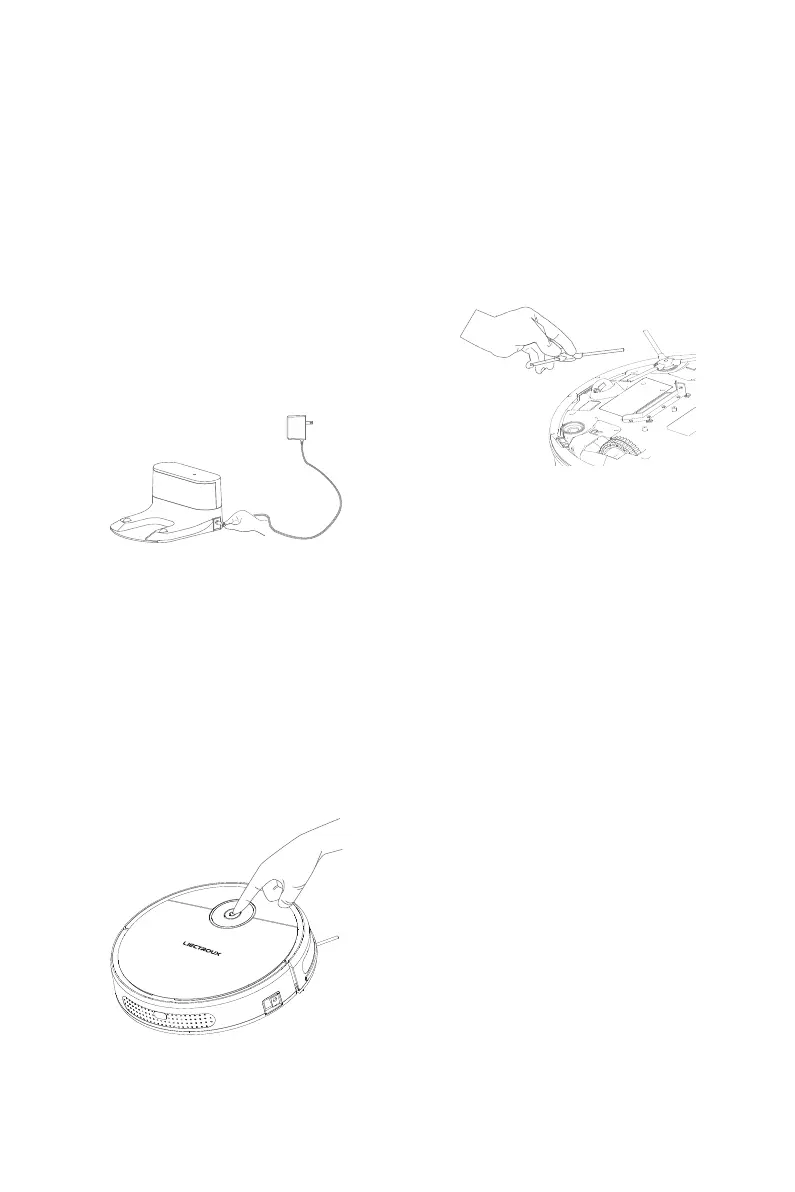
Charging Base Installing
Starting up and Charging
Installation of Side Brushes
Press the start buttoon, and hold the start
key. Then the robot will be automatically
leaned on the charging base for power
charging.
Place the charging base against the wall on
the horizontal floor, and then connect it to
the power source.
Take out the side brushes from the packing
box and press them into the mounting holes
vigorously.
Tips:
1. Remove all barriers within 1m on its left and right and 2m
at the front from the charging base.
2. The power cord on the floor may be dragged by the robot
and lead to displacement or power failure of charging base.
3. The signal indicator on the charging base shall be on
constantly.
Tips:
1. If the robot is in low power and cannot be started on,
please put the robot directly against the charging base.
2. When the adapter is charged, the robot doesn't accept
instructions from the remote controller and the key
operations directed on the robot.
8



 To Next Page