Product Operation
Start Cleaning
In order to adapt to different ground conditions and realize in-depth cleaning, the product is configured with multiple
cleaning modes, which are optional from the remote controller.
1. Use the remote controller to directly switch to any mode.
2. It is required to ensure that the robot's start key is lighted permanently in green color, such that the robot is standby. If
the robot is not awakened, quickly press the start key or start/pause key on the remote controller to awaken it.
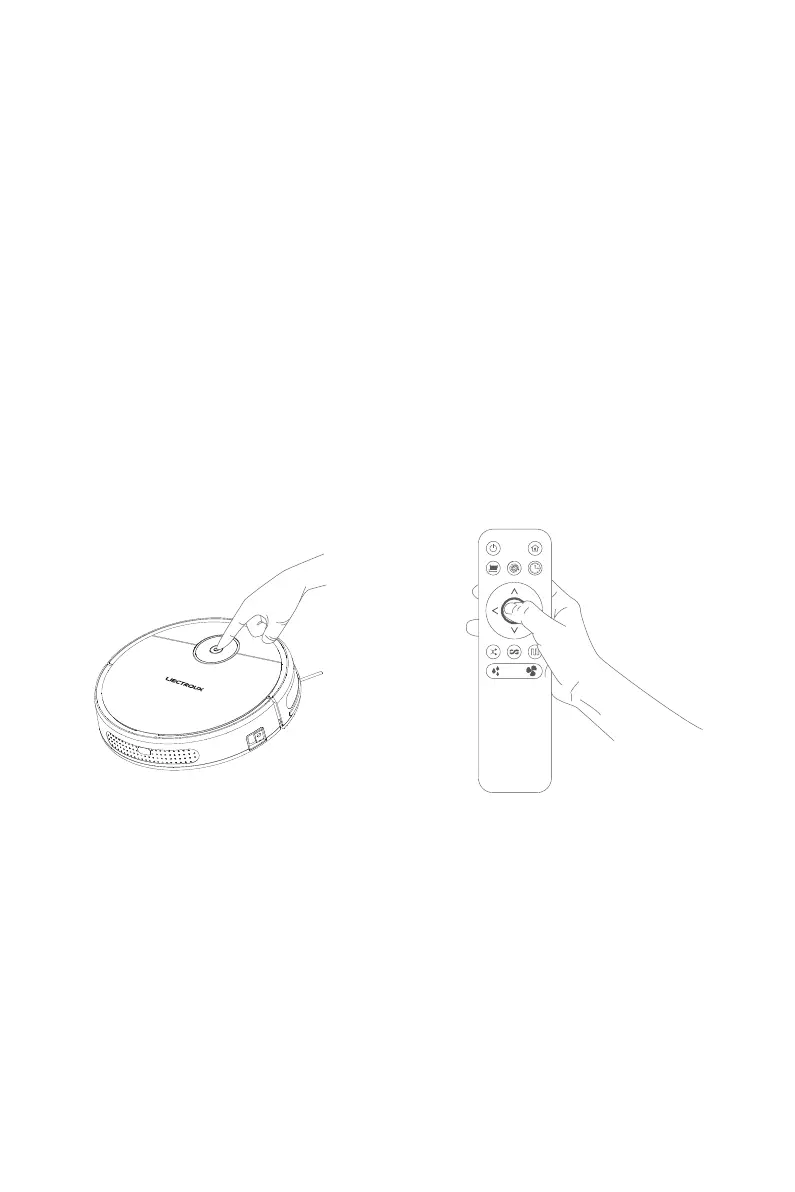
The automatic cleaning mode can be started, by
quickly pressing the robot's start key or the start
key on the remote controller.
Tips:
Before activating the modes, make sure that the start key on the
robot is lighted permanently in green color, indicating that the robot
is standby. If the robot is not awakened, quickly press the start key
or start/pause key on the remote controller to awaken it.
Pause
Quickly press the start key on the robot or the
start/pause key on the remote controller, and then
the robot will pause.
Tips:
After standing by for 2 minutes, the robot enters the hibernation
status, and then the signal indicator of start key will extinguish.
10



 To Next Page