12
Lifeloc FC10
Plus
www.Lifeloc.com | 303-431-9500
Breath Flow
Removing the Mouthpiece
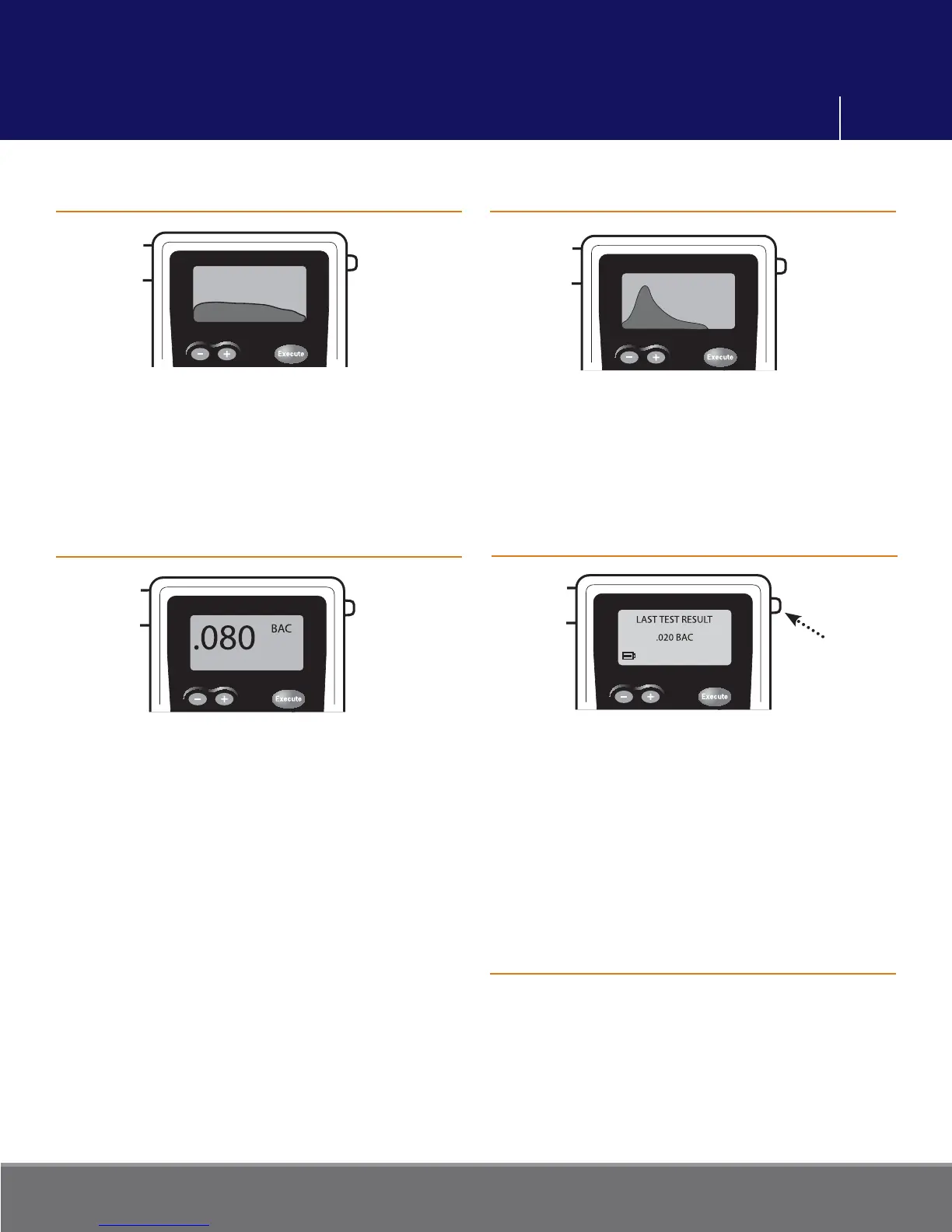
As the subject blows into the mouthpiece,
the FC10
Plus
will show a graph of the breath
fl ow on the display, as well as showing the
amount of liters. Liters are shown in the
upper left corner.
Alcohol Curve
If the FC10
Plus
detects alcohol, the alcohol
level is graphed and will be displayed
before the result.
Test Results
After the alcohol is graphed, the test result
is displayed.
The result will remain on the screen until
the Function or Power button is pressed.
The last 10 test results are retained in
memory.
Viewing Previous Test Results
Press to remove
mouthpiece
Press the Function button until “LAST
TEST RESULT” is displayed. The results of
the last test will be displayed.
To view any of the last 10 tests use the + or
- buttons to scroll through.
Momentarily press the Power button to
return to the testing mode.
Remove the mouthpiece by pushing
straight down on the tab at the right of the
display screen. DO NOT BEND the tab.
Operation



 To Next Page